
Better Office Products Glossy Photo Paper 100 Sheets
4.6Editor score
200 gsm
100 sheets
Smooth finish
Choosing the right laser printer photo paper can transform your documents from ordinary to extraordinary. Whether you need glossy brochures or semi-gloss flyers, compatibility with your machine is key to avoiding jams and ensuring vibrant tones.
We analyzed ten highly rated products designed for laser printers specifically. Each entry offers unique weight, finish, and sheet counts. Our comparison focuses on reliability, color fidelity, and value to help you pick the best match for your office or home setup.
Every selection below highlights core strengths and potential trade-offs. Ratings and availability change frequently, so check current details before ordering. Use this expert guide to streamline your search and secure high-quality stock for your next printing project.
4.6Editor score

4.4Editor score

3.9Editor score
As an Amazon Associate we earn from qualifying purchases.
The table below offers a quick side-by-side view of each product. Check weights, sheet counts, and finishes to find the best fit for your laser printer workflow.


This premium paper delivers a professional glossy finish designed specifically for color laser printers. With an 80lb Text weight and C2S gloss coating on both sides, it creates sharp, brilliant prints ideal for brochures and flyers. Its 96 brightness ensures rich color fidelity every time.
We may earn a commission when you buy through this link, at no additional cost to you.
The key strength lies in its engineered compatibility with laser systems. The 32lb Bond weight ensures smooth feeding without jams, while the acid-free construction prevents yellowing. It is perfect for businesses needing high-volume, vibrant documents without premium pricing.
While the 50-sheet count is smaller than bulk options, the quality per sheet is notable. The thinner-than-cardstock design aids feeding but may lack the stiffness needed for heavy cover stock projects. Still, the value and finish make it a strong contender.
Buy this if you need top-tier glossy results for proposals and marketing materials. Its reliable performance and vibrant output justify the choice for professionals prioritizing visual impact over sheer volume.
C2S gloss coating ensures sharp reproduction on both sides for brochures and posters.
Optimized 32lb Bond weight ensures smooth feeding without jams in laser printers.
We may earn a commission when you buy through this link, at no additional cost to you.
HP Everyday Business Paper offers a reliable glossy finish suited for 2-sided financial documents and reports. It supports 150 sheets and integrates with HP Smart app for easy scanning. It ensures crisp text and sharp color graphics for marketing materials.
We may earn a commission when you buy through this link, at no additional cost to you.
Its performance shines with little show-through and high-quality scans. It is best for businesses needing consistent output for proposals and flyers. The 32 lb weight ensures reliability in most office printers.
Trade-offs include standard weight and lack of heavy-gloss coating for high-end photos. Still, the ease of use and brand reliability make it a practical office choice for daily professional needs.
Buy this for streamlined office workflows and consistent branding. Its balance of quality and convenience fits teams requiring dependable glossy documents regularly.
Creates crisp black text and sharp color graphics for compelling brochures and flyers.
Easily print and create high-quality scans from anywhere using HP Smart app.
We may earn a commission when you buy through this link, at no additional cost to you.
HP Professional Business Paper delivers print-shop quality output with a glossy finish for high-impact results. At 52 lb weight, it provides a substantial feel for branded materials. It is sourced from sustainably managed forests and recyclable.
We may earn a commission when you buy through this link, at no additional cost to you.
Its strengths include rich color and sharp graphics for two-sided materials. It stands out for professionals needing premium branding. The 150-sheet count offers good value for business projects.
Higher cost and heavier weight may be drawbacks for daily bulk printing. However, the quality and sustainable sourcing justify the choice for impactful presentations.
Buy this for standout branded materials and professional appeal. Its quality and eco-friendly profile make it ideal for marketing campaigns.
Produce two-sided printshop-quality materials with glossy finish for brilliant prints.
Sourced from sustainably managed forests according to Forest Stewardship Council standards.
We may earn a commission when you buy through this link, at no additional cost to you.
Koala Semi-Gloss Photo Paper offers a balanced finish between glossy and matte. It works for inkjet dye and laser printers, featuring 48lb weight and 100 sheets. No smearing, fast dry, and good stiffness ensure smooth printing.
We may earn a commission when you buy through this link, at no additional cost to you.
Its main strengths are true color reproduction and excellent ink absorption. It is ideal for DIY albums and greeting cards. The stiffness aids jam-free feeding.
Semi-gloss finish may lack the sheen of full glossy options. Still, its versatility makes it a top choice for mixed projects.
Buy this for DIY projects and photo designs needing a subtle finish. Its quality and flexibility make it ideal for crafts.
No smearing, fast dry, high resolution and true color reproduction.
Ideal for Printing Photos and Designs, DIY Photo Alumbs, Greeting cards, Reports.
We may earn a commission when you buy through this link, at no additional cost to you.
This premium 200 GSM paper delivers a vibrant semi-gloss finish for laser printers. With 200 sheets and high-heat resistant coating, it withstands intense heat without jamming. Its smudge-proof technology ensures instant dry.
We may earn a commission when you buy through this link, at no additional cost to you.
Its strengths include heavy-duty texture for covers and DIY cards. It provides significant value with bulk sheets for crafting. The finish ensures professional-looking brochures.
Lower rating may reflect bulk variability. Heavy weight may require printer adjustments. Still, the specs suit demanding projects needing durability.
Buy this for high-volume heavy-duty projects like postcards and catalogs. Its bulk quantity and heat resistance make it a staple for businesses.
Specifically engineered for high-speed laserjet and digital color copiers withstanding intense heat.
Fast-drying smudge-resistant surface locks in toner instantly for crisp documents.
We may earn a commission when you buy through this link, at no additional cost to you.
Better Office Products offers 100 sheets of 200 gsm glossy photo paper. Compatible with inkjet and laser, it ensures fast drying and even ink absorption. It fits standard 8.5 x 11 size.
We may earn a commission when you buy through this link, at no additional cost to you.
Its high rating and industry-standard weight make it a top budget pick. It delivers lasting impressions for photos that matter. Bulk quantity aids value.
Mixed printer compatibility may require careful settings. Still, the price and quality balance make it ideal for general use.
Buy this for cost-effective photo printing needs. Its versatility and bulk pack suit small businesses.
Industry standard 200 gsm/53 lb paper for your photo printing needs.
Print those images that matter with quality smooth finish for fast drying.
We may earn a commission when you buy through this link, at no additional cost to you.
This 30-sheet pack offers 200 gsm glossy photo paper. Compatible with inkjet and laser, it provides smooth finish and fast drying. Ideal for small jobs.
We may earn a commission when you buy through this link, at no additional cost to you.
Its value and industry weight suit testing or limited needs. The rating highlights quality. Low price aids trial.
Small quantity may need multiple packs for bulk. Still, it is great for verifying printer compatibility.
Buy this for small batches or testing before bulk buying. Its affordability suits occasional users.
30 Sheets of 8.5" x 11" glossy photo paper for value.
Smooth finish for fast drying and even ink-absorption.
We may earn a commission when you buy through this link, at no additional cost to you.
This 100-sheet pack ensures 99.99% jam-free performance with 80lb Text weight. Featuring 96 Bright and acid-free construction, it is perfect for color laser printing. The double-sided glossy surface aids design proposals and flyers.
We may earn a commission when you buy through this link, at no additional cost to you.
Its standout trait is reliable jam-free printing. The archival-safe property ensures longevity. It delivers rich color without premium costs.
Higher price and incompatibility with inkjet printers are trade-offs. Still, reliability suits busy offices.
Buy this for consistent, high-volume printing. Its jam-free guarantee and archival safety are key benefits.
99.99% jam-free guaranteed for superior image quality and opacity.
Acid free and lignin free helps preserve paper and prevents fading.
We may earn a commission when you buy through this link, at no additional cost to you.
Koala Thin Semi Glossy Photo Paper is 30lb and 100 sheets. It features fast dry, good ink absorption, and no watermarks on the back. Compatible with inkjet and laser.
We may earn a commission when you buy through this link, at no additional cost to you.
Its thinness aids flyers and invitations. The semi-gloss finish offers subtle look. No watermarks allow writing.
Single-side printing limits two-sided use. Still, it is budget-friendly for bulk needs.
Buy this for menus and party favors. Its thin profile and writeable back suit versatile projects.
No watermarks on the back leave you to write and record.
Thin type ideal for printing menus, reports, invitations, brochure flyers.
We may earn a commission when you buy through this link, at no additional cost to you.
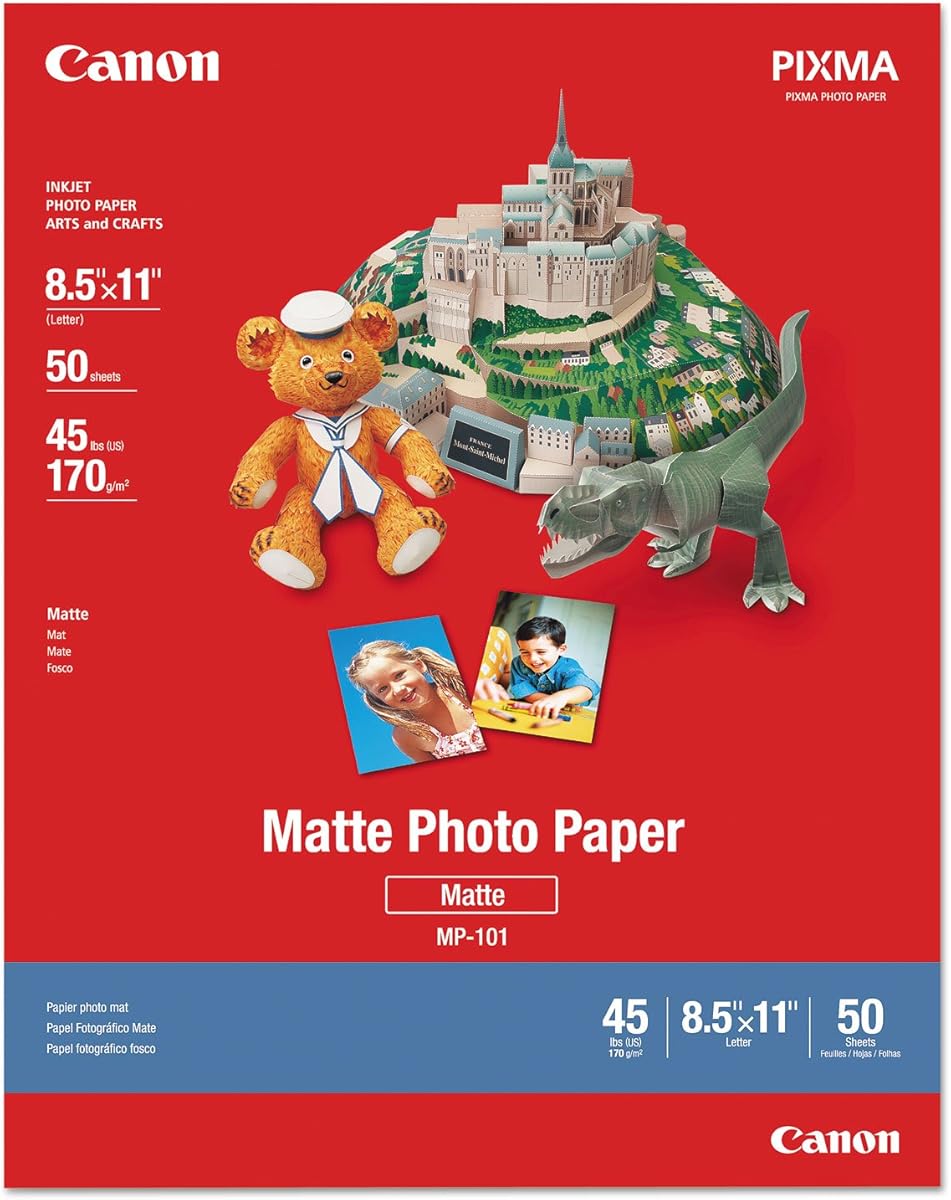
Canon offers 50 sheets of matte photo paper. It ensures excellent results with vibrant colors. Ideal for matte finish needs.
We may earn a commission when you buy through this link, at no additional cost to you.
Its Canon quality and color vibrancy stand out. Matte suits text heavy documents. Rating reflects quality.
Matte limits glossy appeal. Suits specific preferences. Still, trusted for color.
Buy this for matte needs and vibrant results. Its reputation suits color-focused users.
Excellent photo results with vibrant colors.
We may earn a commission when you buy through this link, at no additional cost to you.
Selecting the right paper requires evaluating compatibility, weight, and finish to match your printer and project.
Ensure the paper is engineered for laser printers to prevent damage from inkjet-specific coatings. Laser toner requires specific fusing temperatures that can cause bubbling or peeling on incompatible stocks.
Always verify that the packaging states Laser Compatible to avoid printer damage and poor print quality.
Heavier weights like 200 GSM provide a substantial feel for covers and cards, while lighter 30lb to 52lb sheets are ideal for flyers and internal reports.
Choose weight based on the desired stiffness and your printer's max sheet capability to ensure reliable feeding.
Glossy finishes offer vibrant, saturated colors for marketing materials, whereas semi-gloss provides a balance with less glare. Matte finishes reduce reflections and are better suited for text-heavy documents.
Match finish to the content type to maximize visual impact and readability for your audience.
Bulk packs of 100 or 200 sheets reduce per-sheet costs and minimize frequent restocking for high-volume needs. Smaller packs allow testing before committing to larger quantities.
Select sheet counts that align with your printing frequency to balance cost and inventory space.
Higher brightness ratings like 96 enhance contrast and color fidelity, making colors appear more vivid on the page. Lower brightness may result in duller output.
Opt for higher brightness when color accuracy and professional presentation are critical for your project.
Acid-free paper prevents yellowing and brittleness over time, ensuring archival-quality longevity for important documents. Lignin-free stocks further extend print life.
Choose acid-free options for materials intended to be preserved or displayed long-term.
Smudge-resistant coatings ensure prints dry instantly and remain clean during handling, which is vital for multi-page documents or folded materials.
Look for fast-dry technology to avoid messy streaks and ensure crisp results.
Trusted brands like HP and Canon often offer more consistent quality control and better printer integration. However, third-party brands can deliver excellent value.
Balance brand reliability with your specific budget and performance requirements.
Store paper in a cool, dry place away from humidity to prevent curling or static buildup. Keep packs sealed until ready for use to maintain the coating's integrity and moisture resistance.
Load only a few sheets at a time to avoid jams, ensuring the stack is aligned properly. Select the correct paper type and weight settings on your printer's control panel for optimal feeding and fusing.
Handle printed sheets by the edges to avoid smudging the surface before the toner fully sets. Allow a few seconds for drying if needed, especially for double-sided prints, to prevent transfer or streaks.
No, using inkjet photo paper in a laser printer can cause damage. Inkjet coatings are not designed to withstand the high heat of laser fusers, leading to bubbling, peeling, or paper jams. Always check the packaging to ensure the paper is laser-compatible.
For double-sided printing, aim for 52lb or heavier paper to prevent show-through. Lighter sheets may reveal content from the opposite side, reducing clarity. A 96 brightness rating also helps minimize visibility through the page.
Prevent jams by fanning the sheets before loading and checking for humidity exposure. Adjust your printer settings to the correct paper type and weight. Avoid overloading the tray and keep rollers clean for smooth feeding.
Glossy paper may take slightly longer to dry because the surface holds toner differently. Most laser photo papers feature instant-dry technology. For double-sided prints, allow a few seconds between sides to ensure no smudging occurs.
Most laser photo papers are recyclable as mixed paper, but check local guidelines for coated stocks. Some brands like HP explicitly state recyclability and sustainable sourcing. Proper disposal helps reduce environmental impact.
Fading can occur if the paper is not acid-free or stored improperly in sunlight. Acid-free and lignin-free stocks resist yellowing and degradation. Store printed documents in a cool, dry place away from direct UV exposure.
For brochures, choose 52lb to 80lb glossy paper with vibrant color reproduction. Semi-gloss options reduce glare while maintaining color depth. Ensure double-sided compatibility for effective two-page layouts.
Yes, laser photo paper works in monochrome printers but costs more. The glossy finish still enhances black-and-white contrast. It is best reserved for professional documents needing visual impact.
Our top picks highlight HP Professional Business Paper for premium results and Better Office Products for budget value. Each option offers unique strengths for varying needs from flyers to branded reports.
Prioritize compatibility and weight to ensure reliable printing. Select finishes that match your visual goals and choose sheet counts that fit your workflow frequency.
Always check current prices and availability before ordering as deals change regularly. Use this guide to make an informed decision that elevates your printing quality and efficiency.