
Magnetic Laptop Privacy Screen 15.6
4.3Editor score
Anti glare coating
80% blue light
Washable design
Protecting your eyes from excessive blue light exposure is crucial for digital workers and students alike. Magnetic screen protectors offer a convenient solution that combines privacy with eye comfort without permanent adhesive damage.
We evaluated ten leading magnetic anti blue light laptop screen protectors based on compatibility, installation ease, clarity, and blue light filtering capabilities. Each product was assessed for real-world usability and reported customer satisfaction ratings.
Each pick below highlights key features, pros, and cons to help you decide quickly. Prices and availability may change frequently so always verify current details before finalizing your purchase decision online.
4.3Editor score
4.3Editor score

5.0Editor score
As an Amazon Associate we earn from qualifying purchases.
This side-by-side comparison highlights key specifications across all ten selected magnetic anti blue light laptop screen protectors so you can quickly identify the best match for your device model and privacy needs.




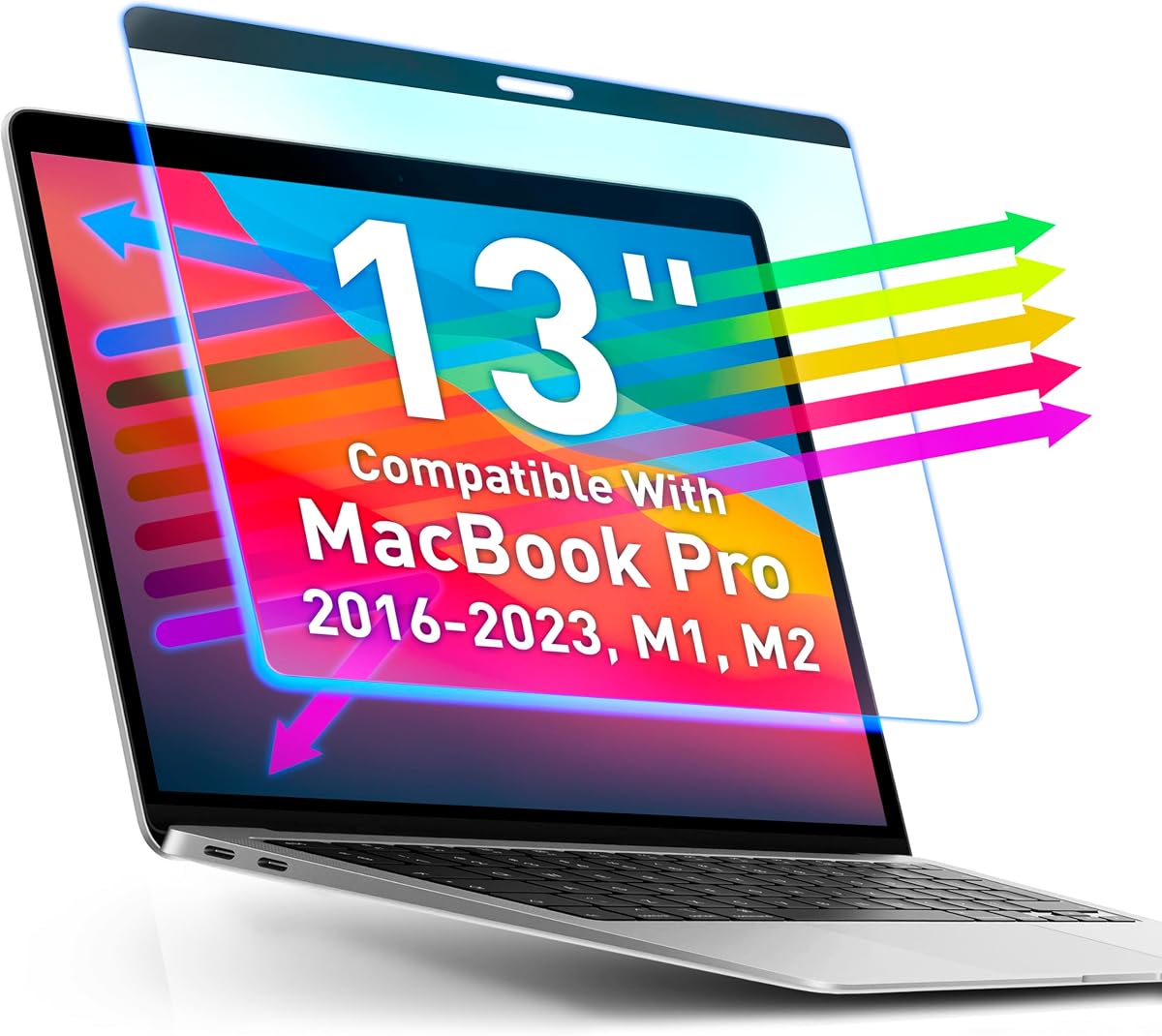
The VINTEZ Magnetic Blue Light Screen Protector stands out as the top choice for MacBook Pro users seeking reliable eye comfort and screen protection. With a strong customer rating and a lifetime replacement policy, it offers peace of mind along with tangible visual benefits during long work sessions.
We may earn a commission when you buy through this link, at no additional cost to you.
Its 95% ultra-transparency rate ensures that colors remain vibrant and text stays crisp without the washed-out look common in cheaper filters. The magnetic attachment mechanism allows users to snap it on or remove it in seconds without adhesive residue, making it ideal for travelers who frequently switch environments.
While the price point is higher than basic options, the durability and precise cutouts for cameras justify the cost. Some users may find the magnetic grip strong but not overpowering, allowing screen closure without damaging the filter or the laptop itself.
This product is best suited for MacBook Pro owners prioritizing eye health and screen longevity. If you work extensively in offices or cafes and want a no-fuss solution, the VINTEZ protector delivers on clarity and convenience.
Advanced optical film maintains high color accuracy while blocking harmful blue light rays effectively for healthier vision.
Free replacements for damaged screens ensure you get long-term value even if accidents occur during travel or daily use.
We may earn a commission when you buy through this link, at no additional cost to you.
This magnetic privacy screen offers a budget-friendly solution for 15.6 inch laptops needing both privacy and blue light filtering. Its dual-layer design blocks 80% of harmful blue light while maintaining strong clarity for the user sitting directly in front.
We may earn a commission when you buy through this link, at no additional cost to you.
The matte surface significantly reduces glare and fingerprints, making it easy to maintain even in busy public spaces. A transparent adhesive strip at the bottom ensures secure attachment so you can open and close the laptop freely without the filter slipping off unexpectedly.
Users must ensure their device uses a 16:9 aspect ratio since this filter does not fit 16:10 screens. Touchscreen functionality is also disabled once installed, which might be a limitation for hybrid devices relying on touch inputs for daily tasks.
Best for students and professionals on a tight budget, this filter provides solid protection without breaking the bank. If you prioritize privacy and eye comfort over touch interaction, it is a practical pick for standard 15.6 inch laptops.
Narrow viewing angles keep sensitive data safe from prying eyes while keeping your own view bright and sharp.
Washable filter material means you can clean off dust and smudges regularly for consistent performance over time.
We may earn a commission when you buy through this link, at no additional cost to you.
Designed specifically for 16:10 widescreen laptops, this two-pack privacy filter delivers near-perfect edge-to-edge adhesion with zero ghosting or gaps. Users report strong blue light reduction capabilities that help minimize fatigue during extended hours of work or entertainment.
We may earn a commission when you buy through this link, at no additional cost to you.
The magnetic suction design allows for quick installation in under a second, and the included microfiber cloth ensures you can keep the screen pristine. Privacy protection is enhanced by a narrowed viewing angle that darkens the screen for anyone viewing from the side.
Because precision is required for compatibility, measuring your screen width and height before ordering is essential. The cost is higher than single-unit options but justifiable for the dual-pack value and premium material quality that resists scratches better than standard acrylics.
Ideal for travelers and professionals using newer 16-inch devices, this filter combines robust privacy features with eye protection. If you need reliable performance without sacrificing visual quality, this package offers a premium solution worth considering.
Get two filters for the price of one, perfect for switching between work devices or keeping a backup at home.
Premium composite materials provide durable protection against daily wear and accidental bumps in transit.
We may earn a commission when you buy through this link, at no additional cost to you.
F FORITO focuses on ease of installation with a bubble-free design that aligns magnetically to your MacBook Pro screen. The advanced magnetic alignment system ensures the filter attaches cleanly without the frustration of trapped air bubbles often found with adhesive types.
We may earn a commission when you buy through this link, at no additional cost to you.
Removing the filter leaves zero glue marks, making it reusable for future devices or storage. The matte finish reduces glare effectively, providing a comfortable view for remote workers and students who spend long hours in front of their displays.
Compatibility is strictly limited to MacBook Pro 13-inch models released between 2016 and 2022, so verify your model number before buying. While the magnetic grip is generally strong, occasional lifting may occur on very active devices without silicone grip assistance.
This protector is best for users who hate sticky adhesives and want a reusable option. It balances cost and performance well, offering reliable blue light blocking and clarity for daily work sessions without permanent screen modification.
Removable design ensures your screen stays clean without sticky residue when you decide to remove or replace the filter.
Advanced optical film maintains color accuracy so your photos and videos look natural without washed-out effects.
We may earn a commission when you buy through this link, at no additional cost to you.
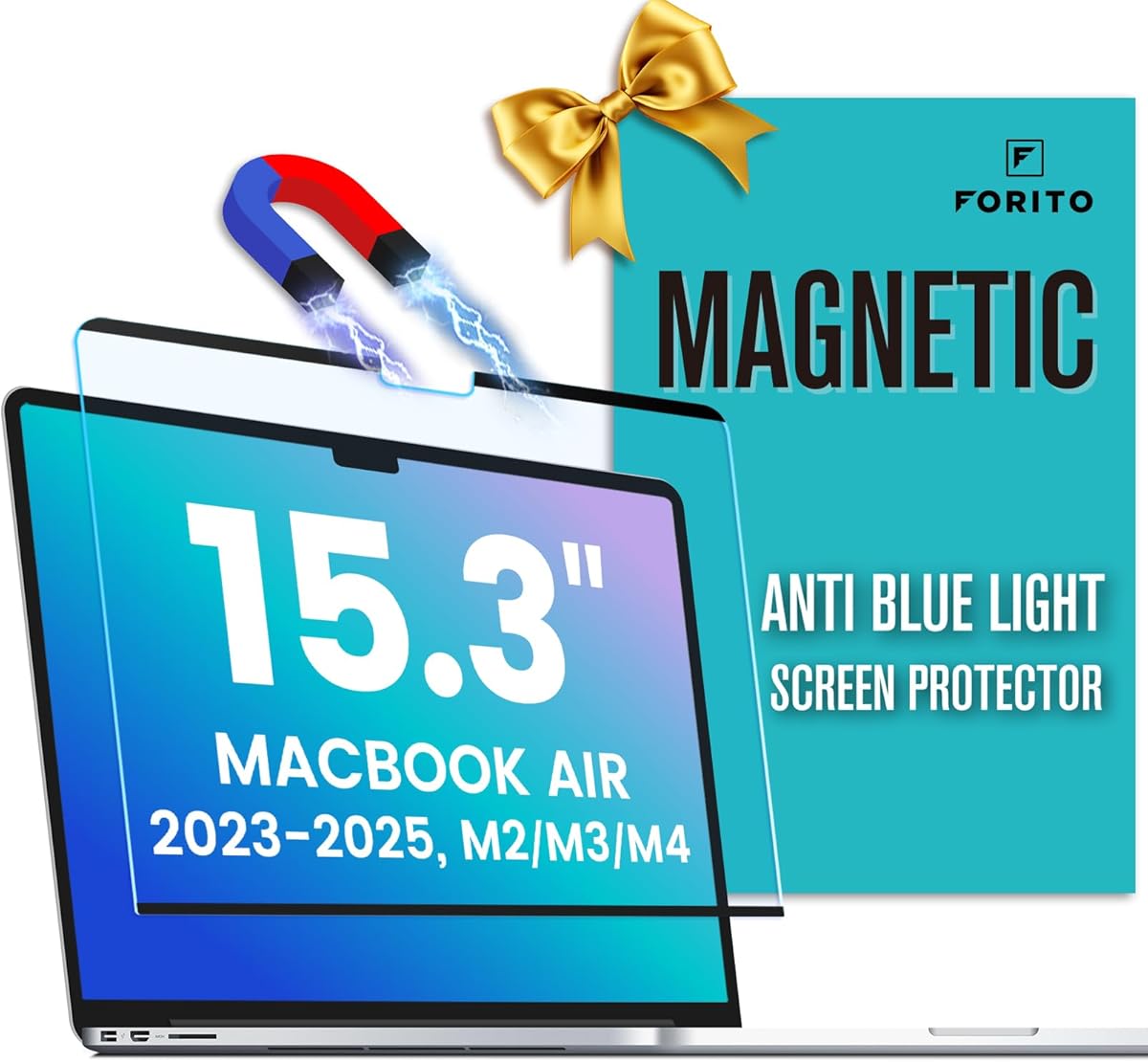
Tailored for the latest MacBook Air 15.3-inch models with M2, M3, and M4 chips, this protector ensures precise fit without compromising display quality. The magnetic system simplifies installation, allowing users to attach or detach the filter in seconds.
We may earn a commission when you buy through this link, at no additional cost to you.
The matte anti-glare surface helps reduce eye strain during long work sessions, and the reusable design means you can wash or store it without damaging your device. Users appreciate the quick setup compared to complex adhesive alternatives.
While the rating is slightly lower than other models, the fit accuracy for newer devices makes it a strong contender. Some users note that the magnetic hold can vary based on screen bezel design, so checking compatibility details is crucial.
Best for owners of the 2023 and later MacBook Air models, this filter offers modern protection. If you need a reliable, non-permanent solution that respects your device design, this option provides a solid balance of features.
Engineered specifically for new MacBook Air sizes to ensure perfect edge alignment and visual coverage without gaps.
Glare reduction coating softens the view for comfort during extended use in bright environments or outdoor settings.
We may earn a commission when you buy through this link, at no additional cost to you.
This Protescreen filter uses micro-louver technology to restrict viewing angles to approximately 30 degrees, ensuring your data stays private from side viewers. The high light transmittance of 93% means you still enjoy a bright and clear view while working.
We may earn a commission when you buy through this link, at no additional cost to you.
An included sliding camera cover adds extra privacy layers for webcam use, and the oleophobic layer prevents fingerprints easily. The magnetic installation is quick and requires no glue, making removal safe for screen integrity.
Users must check model compatibility carefully since it supports Air 13.6 inch models with newer chips. While magnetic attachment is convenient, it relies on precise alignment which can be tricky on uneven surfaces or with thick cases.
Best for privacy-conscious travelers, this filter offers dual protection for screen data and webcam feeds. If you value privacy without sacrificing screen brightness, this option delivers reliable performance and lifetime support for peace of mind.
Unique louvers limit viewing angles effectively so others see only darkened screens from the sides.
High-density oleophobic layer keeps your screen clean longer and is easy to wash for consistent clarity.
We may earn a commission when you buy through this link, at no additional cost to you.
Compliant with Section 889 and TAA regulations, this screen protector is ideal for government, educational, or corporate environments requiring strict compliance standards. Its micro-louver technology ensures strong privacy angles to keep sensitive information secure from casual observers.
We may earn a commission when you buy through this link, at no additional cost to you.
The reinforced design with anti-scratch technology adds physical durability while the precise camera cutout maintains access to essential ports. Magnetic attachment means you can snap it on and off quickly without permanent adhesive damage to your laptop screen.
Compatibility is key as it fits specific MacBook Air models released between 2022 and 2025. Users should confirm their device model number to avoid fit issues, as even small differences in bezel design can impact the seal.
Best for institutional or professional buyers needing compliance and privacy, this filter meets rigorous standards. If you work in regulated environments and want robust protection, this compliant screen protector offers a secure and durable solution.
Meets Section 889 and TAA standards required for government and institutional use in secure sectors.
Lifetime replacement policy ensures you get full value and protection even if damage occurs during daily use.
We may earn a commission when you buy through this link, at no additional cost to you.
Mamol provides broad support for HP, Dell, Acer, and other common brands, making it versatile for general PC users. The automatic snap-on magnetic design makes installation effortless, while the matte surface reduces glare and protects against dust.
We may earn a commission when you buy through this link, at no additional cost to you.
Blue light and UV reduction are significant, blocking up to 97% of UV rays to further protect eyes during long screen time. The package includes cleaning kits and storage clips, enhancing user convenience and device protection.
Users must measure screen dimensions accurately since it fits only 16:9 ratios. Touchscreen functionality is disabled upon installation, which limits use for hybrid laptops but benefits traditional clamshell models seeking privacy.
Best for general PC users who want robust eye and privacy protection, this option covers many brands well. If you prioritize UV safety and multi-device utility, Mamol delivers comprehensive features with strong after-sales support.
Blocks up to 97% of harmful UV rays helping reduce skin and eye exposure from prolonged screen use.
Designed to match widths and heights of popular laptops so you find a fit without strict brand restrictions.
We may earn a commission when you buy through this link, at no additional cost to you.
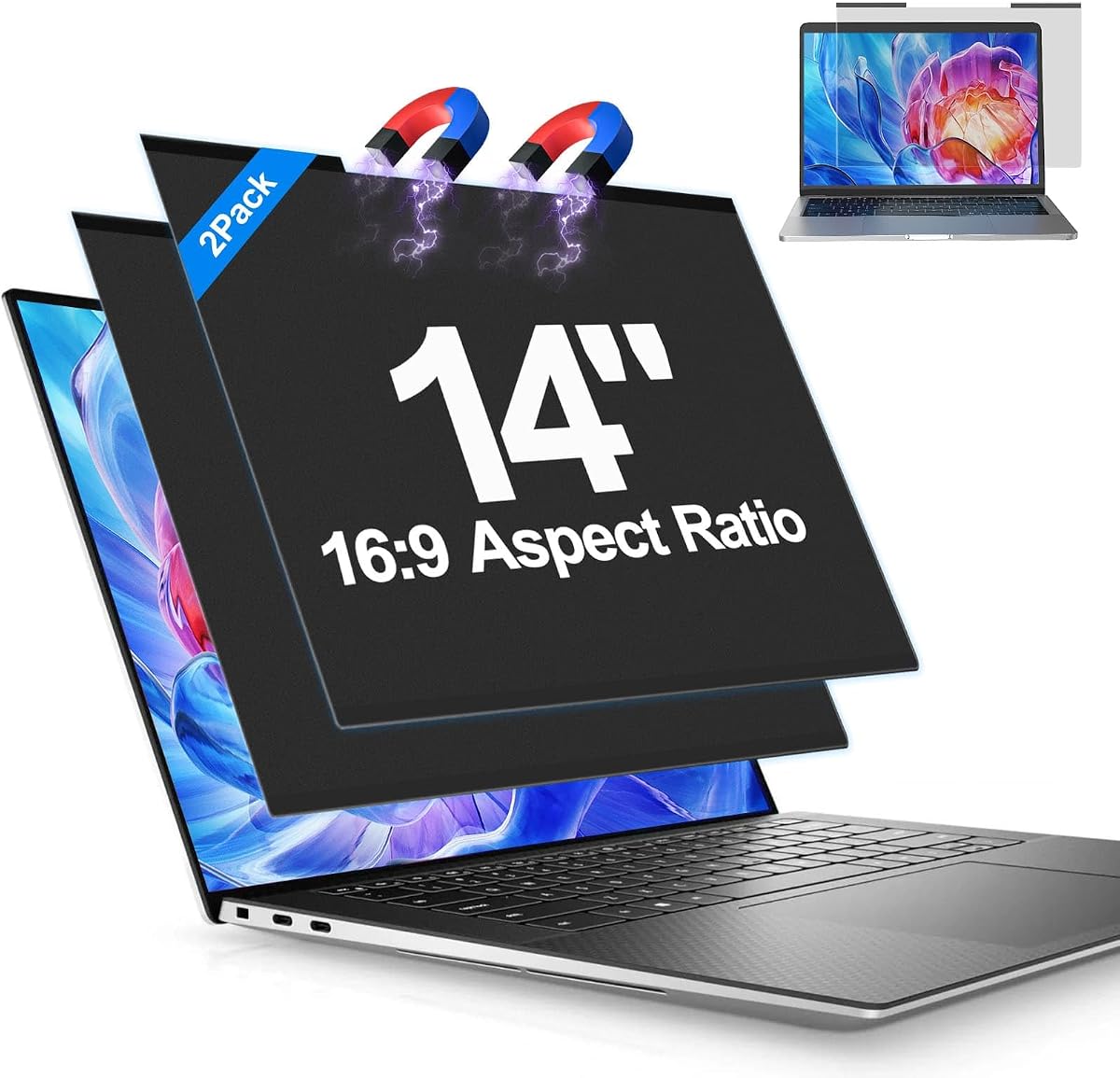
Crafted for 14-inch 16:9 laptops, this aluminum alloy filter offers exceptional toughness against drops and scratches compared to plastic versions. Users praise its impact resistance and zero gap adhesion, ensuring a sleek look on smaller devices.
We may earn a commission when you buy through this link, at no additional cost to you.
The magnetic suction design allows one-second installation and removal, making it practical for commuters. Blue light filtering capabilities are advanced, reducing strain during travel or work in airports and offices effectively.
Because it is a two-pack, you have a backup if the first wears out or gets damaged in transit. The cost is higher than single units but the durability and quantity justify the price for frequent travelers.
Best for owners of compact 14-inch laptops needing rugged privacy protection, this pack offers value. If you want premium material strength and travel-friendly privacy, this option ensures your screen stays protected and private.
Aluminum alloy frame provides superior drop resistance ensuring the filter stays intact even if accidentally dropped.
Specifically sized for 14 inch screens to maintain portability without compromising privacy coverage.
We may earn a commission when you buy through this link, at no additional cost to you.
Kensington is a well-known security brand, and this MagPro filter reflects that reputation with a slim magnetic strip that allows laptops to enter sleep mode while attached. This feature is rare and highly valued for users who close laptops frequently.
We may earn a commission when you buy through this link, at no additional cost to you.
Blue ray reduction helps ease eye strain and reduces sleep interruptions caused by screen exposure before bed. The magnetic attachment is sturdy yet removable, allowing you to detach it effortlessly without residue or damage.
While the price is higher than generic options, the reliability and unique sleep mode compatibility offer distinct advantages. Ensure your laptop fits the 15.6 inch 16:9 specs precisely to avoid fit issues during daily use.
Best for users who value brand trust and sleep mode compatibility, this filter offers reliable protection. If you close your laptop often and want privacy without removing the screen, Kensington provides a premium practical solution.
Slim magnetic strip lets you close the laptop and let it sleep while keeping the filter attached for security.
Backed by Kensington security expertise ensuring consistent quality and reliable privacy features for your data.
We may earn a commission when you buy through this link, at no additional cost to you.
Selecting the right protector requires matching your laptop size and usage needs with features like privacy angles and blue light reduction.
Check your laptop screen dimensions carefully because 16:9 and 16:10 ratios are not interchangeable. Measuring width and height in inches or millimeters ensures you order a filter that fits edge-to-edge without gaps.
Always confirm the aspect ratio before buying to avoid return hassles.
Privacy protectors use micro-louver technology to limit viewing angles, typically around 30 degrees. Stronger angles darken the screen significantly for side viewers, ensuring data privacy in public spaces.
Look for filters that narrow the viewing angle to 30 degrees or less.
Effective filters block 80 to 95 percent of harmful blue light to reduce eye strain and improve sleep patterns. Higher reduction rates provide better comfort during long work hours.
Choose filters with at least 80 percent blue light reduction for visible comfort.
Magnetic installation avoids adhesives that can damage screens over time. Ensure the magnets are strong enough to hold the filter securely but allow easy removal without residue.
Magnetic designs offer cleaner maintenance than sticky adhesive types.
Aluminum alloy and composite materials resist scratches and impacts better than standard acrylics. Durable materials extend the filter lifespan especially for travelers.
Select robust materials like aluminum for long-term screen protection.
High transmittance rates ensure the screen stays bright and colors remain accurate. Look for filters claiming above 90 percent transparency.
Prioritize filters with 90 percent transparency for clear viewing.
Manufacturers offering lifetime replacement policies show confidence in their product quality. This ensures you get free replacements if the filter breaks accidentally.
Check for lifetime warranty policies to protect your investment.
Some filters include camera covers or anti-scratch coatings for added privacy and protection. These extras can enhance usability depending on your specific workflow.
Consider additional features like camera covers for comprehensive protection.
Attach the magnetic filter by aligning the top strip with the laptop bezel and pressing lightly. The magnets will snap into place automatically within seconds without tools or adhesive.
Clean the filter regularly using the included microfiber cloth and avoid harsh chemicals that could damage the anti-glare coating. For stubborn smudges, rinse gently with water and let dry before reattaching.
Remove the filter when storing the laptop for extended periods or if you switch to touch-sensitive modes. Proper storage in a dry place ensures longevity and consistent magnetic grip.
Most magnetic protectors disable touchscreen functionality once installed because the filter blocks touch sensitivity. You may need to remove the filter temporarily to use touch features.
Many magnetic protectors allow laptops to close without removing the filter but check your model compatibility. Thicker filters might prevent the lid from closing properly on slim laptops.
Standard protectors block between 80 and 95 percent of blue light depending on the brand and model. This reduction helps minimize eye strain during long usage sessions.
If magnets are too weak, the filter may slip during laptop movement. Check reviews for magnetic strength feedback before purchasing to ensure secure fit.
Several brands offer lifetime replacement policies for damaged filters. Contact customer support with your order details to request a free replacement.
Yes, many filters are washable. Rinse gently with water and let dry completely before reattaching to prevent water damage.
The VINTEZ and Protescreen options lead this guide with strong privacy and clarity features tailored for MacBook users. Both offer reliable magnetic installation and durable designs for regular use.
Prioritize aspect ratio and blue light reduction when selecting a model to ensure eye comfort and compatibility. Privacy angles should be narrow enough to protect data in public spaces.
Always check current prices and model availability before purchasing since details can change quickly. Verify screen dimensions to avoid return issues after delivery.