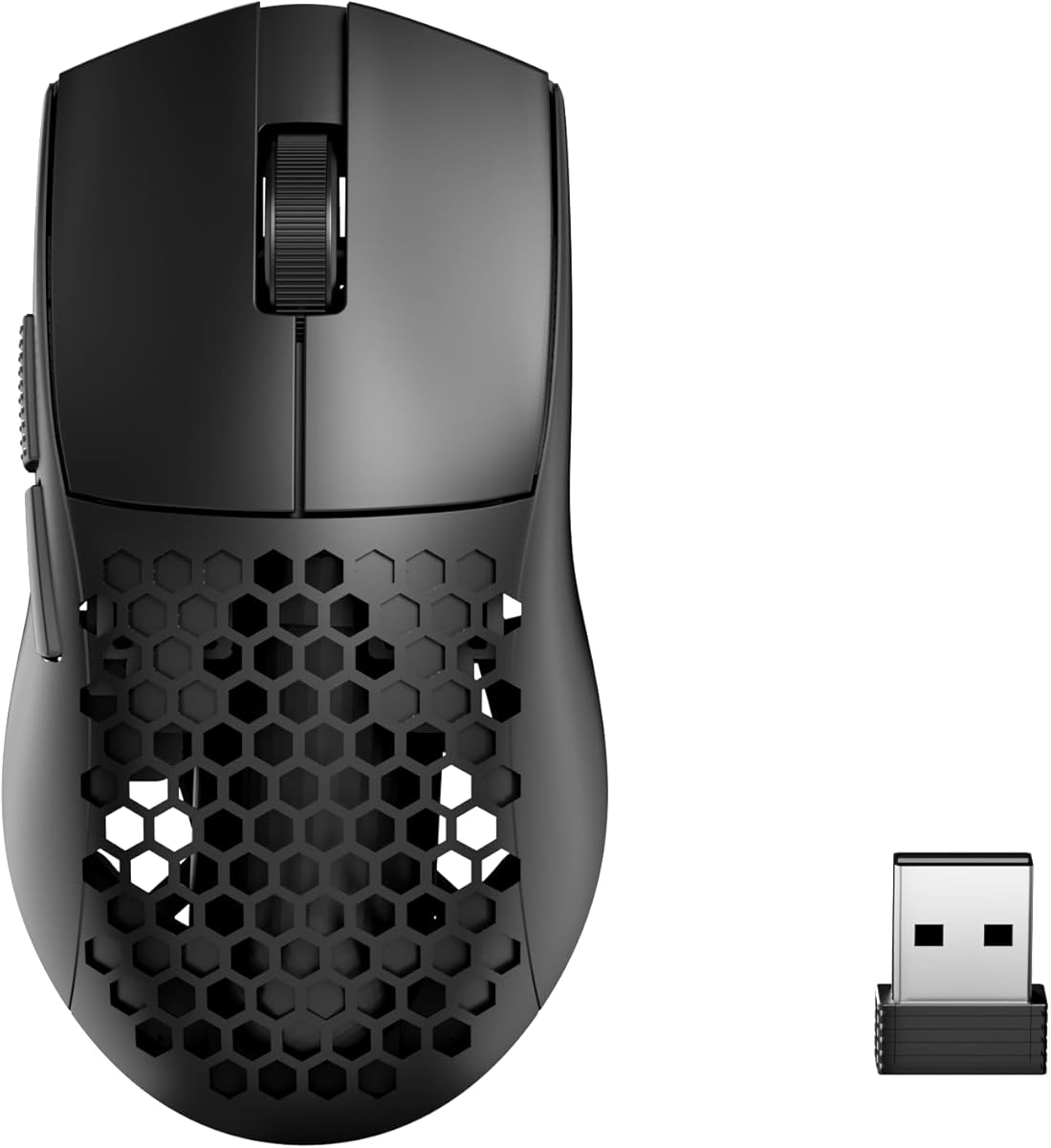
Redragon M725 Honeycomb Shell Gaming Mouse Wireless
4.4Editor score
49g honeycomb shell design
Tri-mode connectivity options
Programmable macro buttons
This guide compares the top lightweight mice under 60 grams for FPS gaming, analyzing sensors, weight, connectivity, and durability for competitive players
Finding the right mouse can make or break your performance in fast-paced first-person shooters. Gamers often seek ultra-lightweight designs to reduce fatigue and improve reaction times during intense matches.
We evaluated ten top-rated models based on sensor accuracy, build quality, and ergonomics. Each selection meets the strict under 60-gram threshold while delivering professional-grade performance for competitive play.
Every pick highlights key features like battery life and switch durability. Prices fluctuate frequently, so check the latest offers before purchasing to ensure you get the best value for your setup.
4.4Editor score

4.6Editor score

4.5Editor score
This side-by-side comparison highlights the essential specifications of every mouse featured in our list. Use these details to find the perfect match for your hand size and gaming style.


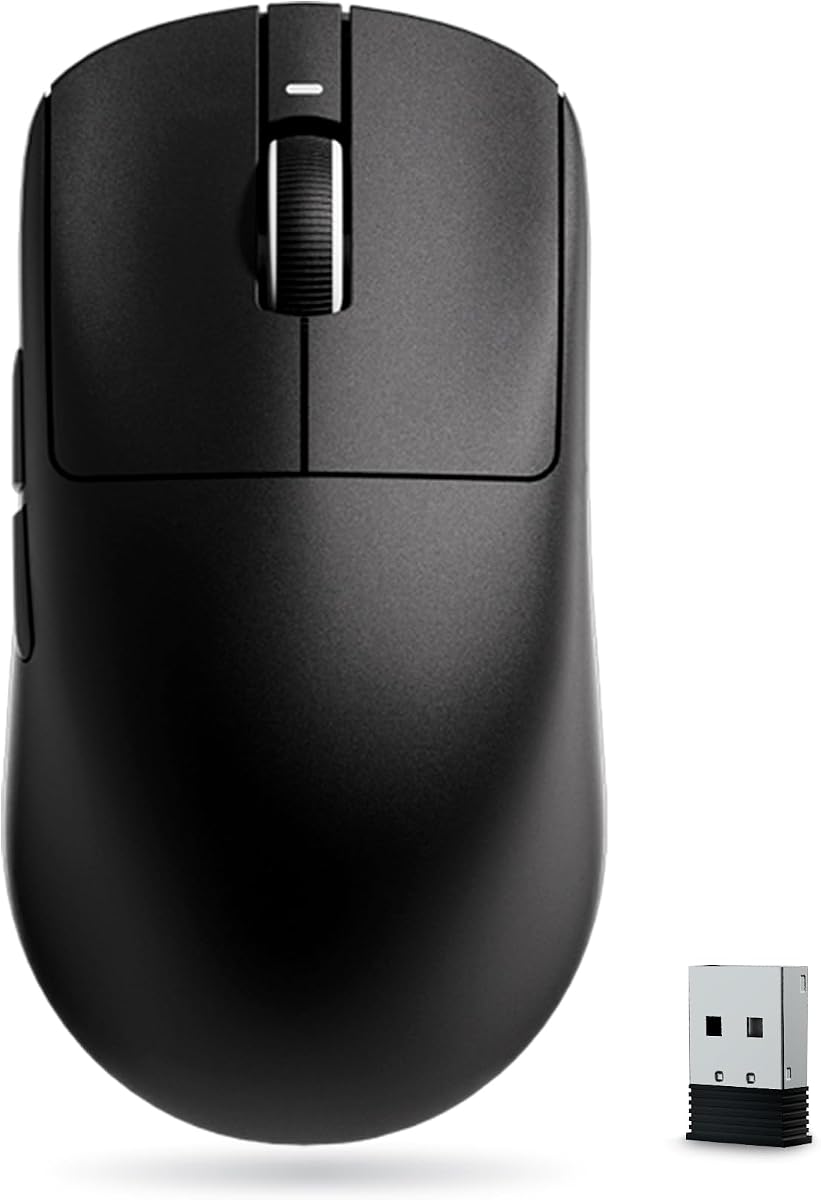

The ASUS ROG Harpe Ace Mini stands out as a top choice for gamers seeking precision and speed. Its 49-gram frame ensures minimal fatigue during long sessions.
We may earn a commission when you buy through this link, at no additional cost to you.
The AimPoint Pro sensor delivers exceptional tracking accuracy, crucial for competitive FPS play. Connectivity options allow seamless switching between devices without lag.
While the price is higher than budget options, the build quality and pro-level features justify the investment. It is a reliable tool for serious players.
Gamers with smaller hands will appreciate the compact form factor. This mouse is highly recommended for those who prioritize agility and control.
The optical sensor ensures pixel-perfect accuracy, allowing for quick target acquisition and smooth movements during intense matches.
Users can switch between wired and wireless modes easily, offering flexibility for both gaming and productivity tasks.
We may earn a commission when you buy through this link, at no additional cost to you.
The Razer Orochi V2 is a fantastic option for players who value endurance and portability. Its battery life is unmatched in its class.
We may earn a commission when you buy through this link, at no additional cost to you.
The optical sensor provides reliable tracking for FPS titles, while the lightweight design aids quick reflexes. It works well for both gaming and work.
Some users might find the size too small for palm grips, but it is perfect for fingertip styles. The build quality ensures longevity.
Ideal for travelers and competitive gamers alike, this mouse delivers consistent performance. It is a great investment for those who hate charging often.
With up to 950 hours of life, you can game for weeks without worrying about running out of power.
Seamless switching between Bluetooth and wireless modes ensures you stay connected to your devices without interruption.
We may earn a commission when you buy through this link, at no additional cost to you.
This model offers exceptional value for gamers on a budget. It includes premium features like a carbon fiber texture at a very accessible price.
We may earn a commission when you buy through this link, at no additional cost to you.
The PAW3315 sensor handles daily gaming and work tasks well. Its lightweight design allows for quick movements without feeling unstable.
While it lacks the high-end specs of pro models, it is more than sufficient for most users. The included accessories make it a great gift.
Budget-conscious players looking for a lightweight mouse should consider this option. It balances cost and performance effectively for the average user.
The carbon fiber texture provides a unique grip that enhances control and reduces the cheap feel of typical plastic mice.
Simple web-based drivers let you adjust settings without installing heavy software on your system.
We may earn a commission when you buy through this link, at no additional cost to you.
The INPHIC IN10P is designed for those who demand high performance without compromising on speed. Its 8K polling rate is a standout feature for competitive play.
We may earn a commission when you buy through this link, at no additional cost to you.
The dustproof shell protects internals while maintaining a sleek look. Customization options are extensive, allowing deep control over every aspect of usage.
Battery life and build quality are robust, ensuring longevity over time. It is a powerful tool for those who want pro features.
Serious gamers looking for cutting-edge specs will find this mouse appealing. It delivers on responsiveness and precision for high-stakes matches.
With an 8K polling rate, your movements are registered instantly, giving you a critical edge in fast-paced games.
The solid shell prevents dust buildup, keeping the internal components clean and functioning properly for longer periods.
We may earn a commission when you buy through this link, at no additional cost to you.
The Logitech G PRO X Superlight 2 is widely regarded as a champion among esports peripherals. It sets the standard for lightweight wireless performance.
We may earn a commission when you buy through this link, at no additional cost to you.
The HERO 2 sensor offers unmatched tracking capabilities, ensuring your aim stays true regardless of speed. It is built to win at the highest levels.
While the price is steep, the quality and reliability make it a worthy investment. It performs flawlessly in both casual and professional settings.
Pros and serious competitors seeking the best possible edge should choose this model. It represents the pinnacle of current gaming mouse technology.
The HERO 2 sensor tracks movements with zero acceleration, providing pure input that matches your hand exactly.
Compatible with POWERPLAY, this mouse can charge continuously on compatible pads, eliminating downtime entirely.
We may earn a commission when you buy through this link, at no additional cost to you.
The Redragon M725 uses a honeycomb shell to achieve a feather-light weight without breaking the bank. It offers solid performance for its price.
We may earn a commission when you buy through this link, at no additional cost to you.
With three connection modes, it provides flexibility for different setups. The programmable buttons allow for efficient hotkey access during gameplay.
Dust management might be a concern with the open shell design, but it keeps hands cool. It is a great choice for those who want lightness.
Budget gamers looking for a lightweight solution will appreciate this model. It balances affordability and essential features well for the market.
The hollow design reduces weight significantly, making it easier to execute rapid flicks and movements without fatigue.
Whether you need Bluetooth or a wired connection, this mouse adapts to your preferences seamlessly for optimal performance.
We may earn a commission when you buy through this link, at no additional cost to you.
The Redragon M916 is one of the lightest options available, offering a clean and controlled experience. It is excellent for those who prioritize speed.
We may earn a commission when you buy through this link, at no additional cost to you.
The high DPI range provides flexibility for different monitor setups. Its ergonomic shape reduces fatigue, allowing for extended use without discomfort.
While the software has some quirks, the hardware is solid for competitive gaming. It delivers a raw feeling that many players prefer.
Gamers seeking pure speed and agility will find this mouse rewarding. It is a strong contender for those wanting to reduce physical resistance.
The minimalistic design and light weight ensure you control the mouse with no hassle or extra effort during gameplay.
With advanced transmission tech, tracking and movement are precise, reducing any lag during critical moments in a match.
We may earn a commission when you buy through this link, at no additional cost to you.
The ATK VXE Dragonfly R1 SE+ fits medium to small hands perfectly with its symmetrical design. It offers reliable performance for both gaming and work.
We may earn a commission when you buy through this link, at no additional cost to you.
The advanced sensor and chip ensure stable signal with low latency. It is a great choice for those who need consistent tracking.
Build quality is impressive for the price, with switches designed to avoid double-click issues. It delivers smooth operation over time.
Players looking for a balanced mouse without excessive weight will like this. It is a solid daily driver for competitive setups.
Smart Speed X technology ensures the connection remains stable, preventing dropouts during critical gameplay moments.
The chosen microswitches are rated for high durability, reducing the risk of malfunction over extensive usage periods.
We may earn a commission when you buy through this link, at no additional cost to you.
The Razer Viper V4 Pro is a flagship model built with input from competitive pros. It delivers faster and more agile control for PC gaming.
We may earn a commission when you buy through this link, at no additional cost to you.
Its Focus Pro sensor tracks at high speeds, ensuring accuracy. The optical scroll wheel adds durability and precision to your inputs.
While it is expensive, the performance justifies the cost for serious players. It offers a refined experience that improves gameplay mechanics.
Esports athletes needing top-tier speed and reliability should consider this. It is one of the best wireless options available on the market.
Using optical actuation instead of mechanical parts increases durability and provides more consistent tracking for accurate in-game control.
Enhanced wireless efficiency allows for up to 180 hours of use, letting you play for weeks on a single charge.
We may earn a commission when you buy through this link, at no additional cost to you.
The GLORIOUS Model O Eternal offers a wired solution for those who prefer a physical connection. It remains ultralight at 55 grams for better control.
We may earn a commission when you buy through this link, at no additional cost to you.
The honeycomb shell reduces weight without sacrificing durability. RGB lighting adds flair, allowing you to customize your setup to match your style.
While wired, the cable remains flexible for minimal drag. It is a solid choice for those who do not need wireless mobility.
Players looking for a blend of style and performance will enjoy this model. It offers a great experience for daily gaming needs.
Vibrant color zones on the side panels enhance the look of your setup and can be customized to match your gaming gear.
The symmetrical design ensures a natural feel for any grip style, making it comfortable for long sessions without fatigue.
We may earn a commission when you buy through this link, at no additional cost to you.
Selecting the perfect lightweight mouse requires considering several critical factors. Understanding these elements ensures you pick a device that fits your hand and gameplay style.
The sensor is the brain of your mouse. High-end optical sensors ensure accurate tracking without acceleration or jitter. Look for top-tier chips to avoid spinouts.
Choose a sensor with high DPI and tracking speed for precision in FPS titles.
Build quality impacts durability. Materials like carbon fiber or high-density plastic reduce weight without compromising structural integrity. Hollow designs are common.
Ensure the material feels premium and provides good grip texture for better control.
Wireless mice offer freedom of movement, but wired ones eliminate battery anxiety. Tri-mode connectivity provides flexibility for gaming and work environments.
Select the mode that offers the best balance between convenience and stability for your needs.
Click switches must be rated for high click counts to prevent premature wear. Mechanical or optical switches are standard. Ensure they feel crisp and reliable.
A mouse with durable switches will last longer and maintain performance over time.
The shape dictates how you hold the mouse. Ergonomic designs suit palm grips, while symmetrical ones favor claw or fingertip styles. Consider your hand size.
Pick a shape that feels natural to prevent strain during long gaming marathons.
Wireless models rely on battery life. Long endurance reduces downtime. Some allow charging while in use, which is beneficial for competitive sessions.
Prioritize models with extended battery life if you game for many hours daily.
Higher price does not always mean better performance. Some budget options offer incredible specs. Evaluate features against cost to find the best value.
Balance your budget with the features you truly need for your setup.
Customizable software allows mapping buttons and adjusting sensitivity. Complex drivers can slow systems, so look for lightweight or web-based options.
Ensure the software is intuitive and offers necessary customization for your playstyle.
Clean your mouse surface regularly with a microfiber cloth to remove oils and dust. This maintains the texture for better grip and control during gameplay.
Update firmware and drivers through the official software to ensure optimal performance. This helps fix bugs and improves compatibility with your system.
Store your mouse in a safe place to prevent accidental drops. Even lightweight mice can suffer damage if subjected to rough handling or heavy impacts.
Lightweight mice reduce fatigue and improve reaction times. While not strictly necessary, many pros prefer them for quick movements and reduced wrist strain over long sessions.
Durability depends more on switch quality and build materials than weight. Many modern lightweight models feature robust switches that match the longevity of standard mice.
Yes, these mice work well for productivity tasks. Their lightweight design reduces hand strain during extended typing and navigation hours in an office environment.
Modern wireless tech offers latency comparable to wired connections. Top esports pros frequently use them for the freedom they provide without sacrificing performance.
Most are designed for medium to small hands. Check dimensions before buying if you have large hands to ensure a comfortable grip and proper reach to buttons.
Use a dry cotton swab to gently wipe the sensor lens. Avoid liquids directly on the mouse to prevent damage to internal electronic components.
This guide has highlighted ten exceptional options for gamers seeking speed and precision. Each model balances weight, performance, and features to suit different needs.
Consider your hand size and grip style when making a final decision. Prioritize sensor quality and build durability for long-term satisfaction.
Prices and availability change often, so verify current details before buying. Find the perfect fit for your setup to elevate your competitive gaming experience.