
TP-Link AXE5400
4.3Editor score
Tri-Band WiFi 6E Performance
Up to 5400 Mbps Total Speed
512 MB High-Speed Memory
This guide compares the top ten high end WiFi router options for 2026 focusing on speed coverage and advanced features for modern smart homes and businesses.
Modern households demand robust connectivity to support streaming gaming and remote work seamlessly. A high end WiFi router ensures reliable performance across all connected devices without lag or interference.
We evaluated ten leading models based on throughput range security features and ease of use. Each selection offers distinct advantages for different home sizes and technical requirements.
Every pick highlights key specifications and real-world benefits to help you decide. Keep in mind that prices and availability may change over time as new models release.
4.3Editor score

4.4Editor score

4.3Editor score
The following table provides a side-by-side overview of key specifications for all ten selected routers to help you compare features at a glance.





The NETGEAR Nighthawk RS700S stands out as a top tier option delivering exceptional performance with a 4.4 rating. It brings powerful WiFi 7 capabilities to busy homes needing high speed reliability.
We may earn a commission when you buy through this link, at no additional cost to you.
Its up to 19 Gbps speed ensures even heavy bandwidth tasks like 8K streaming or competitive gaming remain smooth. The 10 Gig WAN port supports ultra fast fiber plans effectively.
While the price is high, the performance justifies it for power users. The large coverage area reduces dead zones in most standard large floor plans significantly.
This router is ideal for tech enthusiasts wanting peak speeds and reliability. Investing in this model ensures your network stays relevant for years.
Tri-band WiFi 7 technology splits traffic efficiently across 2.4 5 and 6 GHz bands to minimize congestion.
The 10 Gig Ethernet ports allow wired devices to utilize gigabit speeds without wireless interference or signal loss.
We may earn a commission when you buy through this link, at no additional cost to you.
This ASUS ROG router is built for extreme performance with a 4.3 rating and gaming specific optimizations. It delivers unmatched speed for those needing the absolute best wireless connection.
We may earn a commission when you buy through this link, at no additional cost to you.
Its 30 Gbps potential and dual 10G ports make it perfect for multi device households streaming 4K or working remotely. Multi-Link Operation ensures stable links even during heavy use.
The aggressive design and price tag are significant trade-offs for casual users. However for gaming clans or smart home enthusiasts these features provide clear competitive advantages.
Choose this router if you want maximum raw speed and gaming focus. It remains a premium choice for enthusiasts who demand zero compromise on connectivity.
Triple-Level Game Acceleration manages traffic to reduce latency and ensure smooth gameplay even during network congestion.
High efficiency external antennas and dual-feeding technology boost signal strength for better range and reliability.
We may earn a commission when you buy through this link, at no additional cost to you.
The TP-Link AXE5400 offers high-end features at a budget friendly price point with a solid 4.3 rating. It is an excellent entry point for those wanting 6 GHz bandwidth without premium costs.
We may earn a commission when you buy through this link, at no additional cost to you.
Its tri-band design with 5400 Mbps capacity handles multiple devices well. The 6 GHz band reduces interference significantly improving speed for gaming and video calls.
While it lacks the latest WiFi 7 features its value is clear. For most homes this performance is sufficient and the EasyMesh support allows future expansion easily.
This router is perfect for cost conscious users needing strong performance. It balances cost and capability better than most competitors in its price range.
The dedicated 6 GHz spectrum offers more channels for faster speeds and near zero latency for responsive connections.
A 1.0 GHz dual-core CPU and 512 MB memory ensure long-term reliability and smooth multi-tasking capabilities.
We may earn a commission when you buy through this link, at no additional cost to you.
This NETGEAR model delivers solid WiFi 7 performance with a 4.3 rating suitable for average large homes. It balances speed and cost effectively without unnecessary premium features.
We may earn a commission when you buy through this link, at no additional cost to you.
Up to 9.3 Gbps speed covers most needs including streaming and video calls. The 2.5 Gig WAN port ensures you get full speed from your internet service provider.
Coverage is decent but may require add-ons for larger properties. It is a reliable choice for those wanting modern tech without overspending on extreme specs.
Recommend this for typical families upgrading to WiFi 7. It offers a practical balance of features and reliability for daily household needs.
The free Nighthawk app allows easy guided setup and management of devices and settings from your phone.
MU-MIMO and OFDMA technologies ensure multiple devices connect simultaneously without slowing down the network.
We may earn a commission when you buy through this link, at no additional cost to you.
The ASUS ROG Strix series is known for gaming focus with a 4.1 rating on this model. It aims to provide stable high-speed connections for gaming and streaming.
We may earn a commission when you buy through this link, at no additional cost to you.
Its 2.5 Gigabit Ethernet and WiFi 7 support ensure fast wired and wireless performance. The design suggests robust hardware capable of handling high loads consistently.
While specific details are less public than others the brand reputation is strong. It suits those prioritizing gaming performance and design aesthetics over raw specs.
Consider this if you want a gaming centered router from a trusted brand. It delivers reliable performance for most high-demand scenarios.
Optimized heat dissipation and robust cooling systems help maintain high performance during long gaming sessions.
Multiple Ethernet ports allow direct connection for consoles and PCs to reduce wireless latency effectively.
We may earn a commission when you buy through this link, at no additional cost to you.
This TP-Link BE6500 brings modern WiFi 7 features with a 4.3 rating to mainstream users. It emphasizes security and reliability for households needing fast internet.
We may earn a commission when you buy through this link, at no additional cost to you.
Multi-Link Operation helps maintain stable connections by switching between bands dynamically. Security features like HomeShield offer extra protection without extra costs.
It is dual-band which limits capacity compared to tri-band but covers small to medium homes well. For security conscious users this is a strong contender.
Choose this for reliable security and modern connectivity. It is a good match for those prioritizing protection and ease of use.
Built-in security pledge and HomeShield protect your network from threats keeping your family safe online.
The Tether App allows simple setup and management keeping your network updated and performing optimally.
We may earn a commission when you buy through this link, at no additional cost to you.
The Synology RT6600ax is built for advanced users with a 4.2 rating and robust network controls. It offers segmentation and security features typical of business gear.
We may earn a commission when you buy through this link, at no additional cost to you.
VLAN support allows segregating devices for security and threat prevention keeps networks clean. The VPN server supports remote access easily for secure connections.
Its complexity may be too much for typical homes but perfect for tech savvy users needing control. It prioritizes functionality over simplicity.
Pick this if you need advanced network management. It is ideal for those who value security and device segregation highly.
Create up to five separate networks to isolate vulnerable devices and maintain strict traffic control.
Comprehensive VPN server solutions enable secure remote desktop and site-to-site tunneling for work needs.
We may earn a commission when you buy through this link, at no additional cost to you.
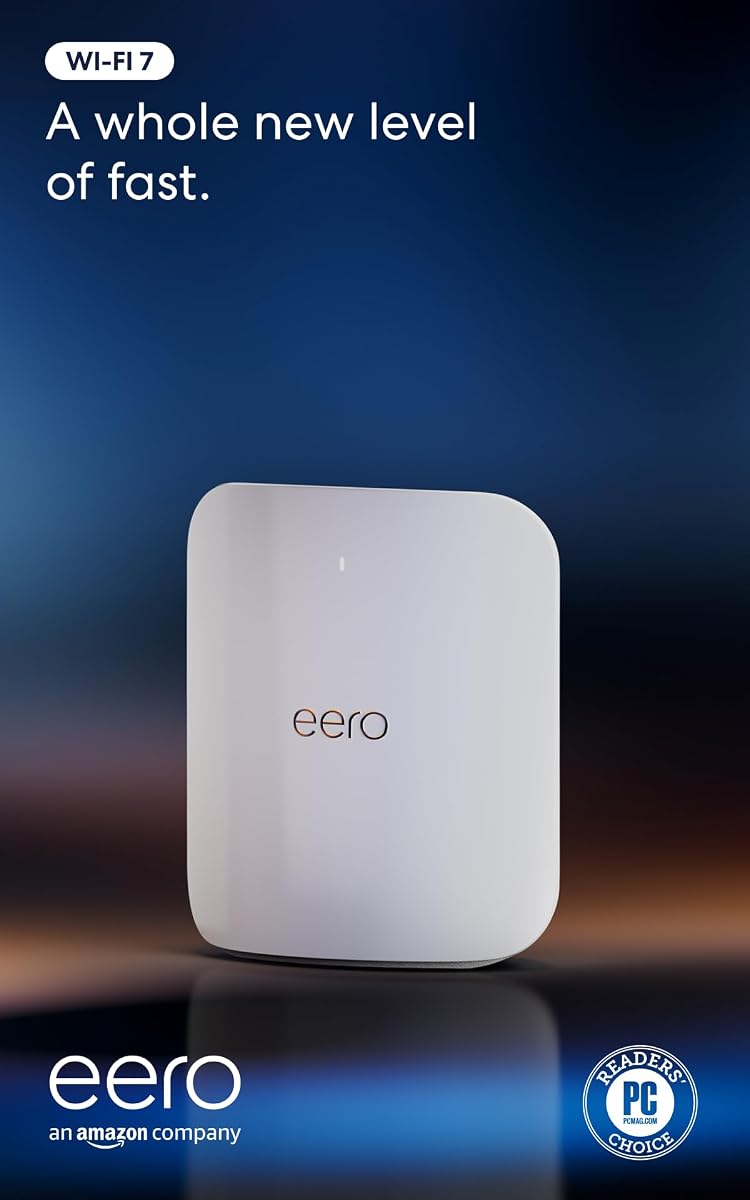
The eero Max 7 brings WiFi 7 mesh tech with a 4.2 rating to simplify home coverage. It focuses on reliability and ease of use for busy households.
We may earn a commission when you buy through this link, at no additional cost to you.
Its TrueMesh software finds optimal paths to avoid interference and dead zones. Smart home hub features for Matter and Thread make it central to automation.
While it works well within the eero ecosystem the need for multiple units can increase costs. For simplicity this is a strong top tier choice.
Recommend this for users wanting a simple robust system. It prioritizes ease of use and reliability over raw performance tweaking.
Built-in support for Matter and Thread devices allows your router to act as a central smart home controller.
Patented mesh intelligence dynamically finds the ideal path for data ensuring fast and reliable internet.
We may earn a commission when you buy through this link, at no additional cost to you.
The eero Pro 7 offers robust mesh performance with a 4.3 rating for small to medium homes. It simplifies setup while supporting fast internet plans.
We may earn a commission when you buy through this link, at no additional cost to you.
Auto-sensing ports adjust automatically for optimal speed and connectivity. TrueMesh technology ensures reliable coverage without complex manual tuning or configuration.
Its coverage is smaller than larger models but ideal for apartments or homes. It focuses on ease and consistent performance over raw maximum throughput.
Choose this for a simple reliable mesh solution. It works great for typical homes needing consistent internet across rooms.
Support for internet plans up to 5 Gbps ensures you get most of what your ISP provides efficiently.
TrueRoam and TrueChannel technologies keep you on the optimal connection for maximum reliability.
We may earn a commission when you buy through this link, at no additional cost to you.
The NETGEAR RS90 is an entry level WiFi 7 option with a 4.3 rating suitable for smaller setups. It provides modern standards without a high cost.
We may earn a commission when you buy through this link, at no additional cost to you.
With up to 3.6 Gbps it handles typical browsing and streaming easily. The 2.5 Gig WAN port allows multi-gig internet plans if needed later.
Its dual-band design means less capacity than tri-band but sufficient for most. It is a good starting point for upgrading to WiFi 7.
Select this if you want modern tech at a lower cost. It balances new features with affordability effectively.
The 2.5 Gig WAN port allows you to unlock faster internet plans without changing your router later.
Advanced Router Protection and automatic updates help safeguard your family from online threats easily.
We may earn a commission when you buy through this link, at no additional cost to you.
Selecting the right high end WiFi router requires understanding your home size device count and internet plan speed.
Newer standards like WiFi 7 offer faster speeds and lower latency but cost more. WiFi 6E is also strong for most households today.
Match the rated square footage to your home size. For larger homes consider mesh systems or multiple units to eliminate dead zones.
Check for 10G or 2.5G ports if you have wired devices like NAS or gaming consoles. This ensures full speed for connected hardware.
High end routers range from affordable to premium. Decide on a realistic range balancing features and cost to avoid overspending.
Look for built-in threat protection and firmware updates. Advanced security reduces risks from online threats without third party tools.
Established brands often provide better support and reliability. Research reviews for consistent performance and after-sales service quality.
If you need expansion later ensure the router supports mesh or extender compatibility. This prevents replacing the whole network later.
An intuitive app or web interface simplifies management. Complex interfaces can be frustrating for casual users needing simple control.
Place your router in a central elevated spot to maximize signal range and reduce physical interference from walls.
Keep firmware updated through the provided app to ensure security patches and performance improvements are applied promptly.
Regularly reboot the router once a month to clear memory and maintain consistent connection stability.
Yes many older routers cannot handle gigabit speeds efficiently. A modern WiFi 6E or WiFi 7 model ensures you get the full speed from your provider.
WiFi 7 offers faster speeds and lower latency with more concurrent device support. It uses new technologies like Multi-Link Operation for stable connections.
Most high end routers handle 50 to 200+ devices comfortably depending on the model. Check specs to ensure your smart home needs are met.
Mesh systems cover larger areas better and remove dead zones. For single floor homes a strong router may suffice but multi-story needs mesh.
Yes routers need a modem to connect to the internet. Ensure your modem supports your plan speed and connects via Ethernet to the router.
Automatic updates are preferred to keep security current. Manual checks should be done monthly to ensure stability and performance improvements are applied.
Yes WiFi 7 routers are backward compatible with older devices. They support legacy protocols ensuring all gadgets connect seamlessly.
High end routers typically last 3 to 5 years before needing replacement. Regular updates and proper ventilation help extend their useful life.
The top three picks deliver exceptional performance for different needs ranging from budget friendly to premium speed options.
Prioritize coverage area and security features to ensure your network meets current and future household demands reliably.
Remember to verify current prices and promotions before purchasing as availability changes frequently online.