
ELM327 USB Adapter OBD2 Scanner
4.4Editor score
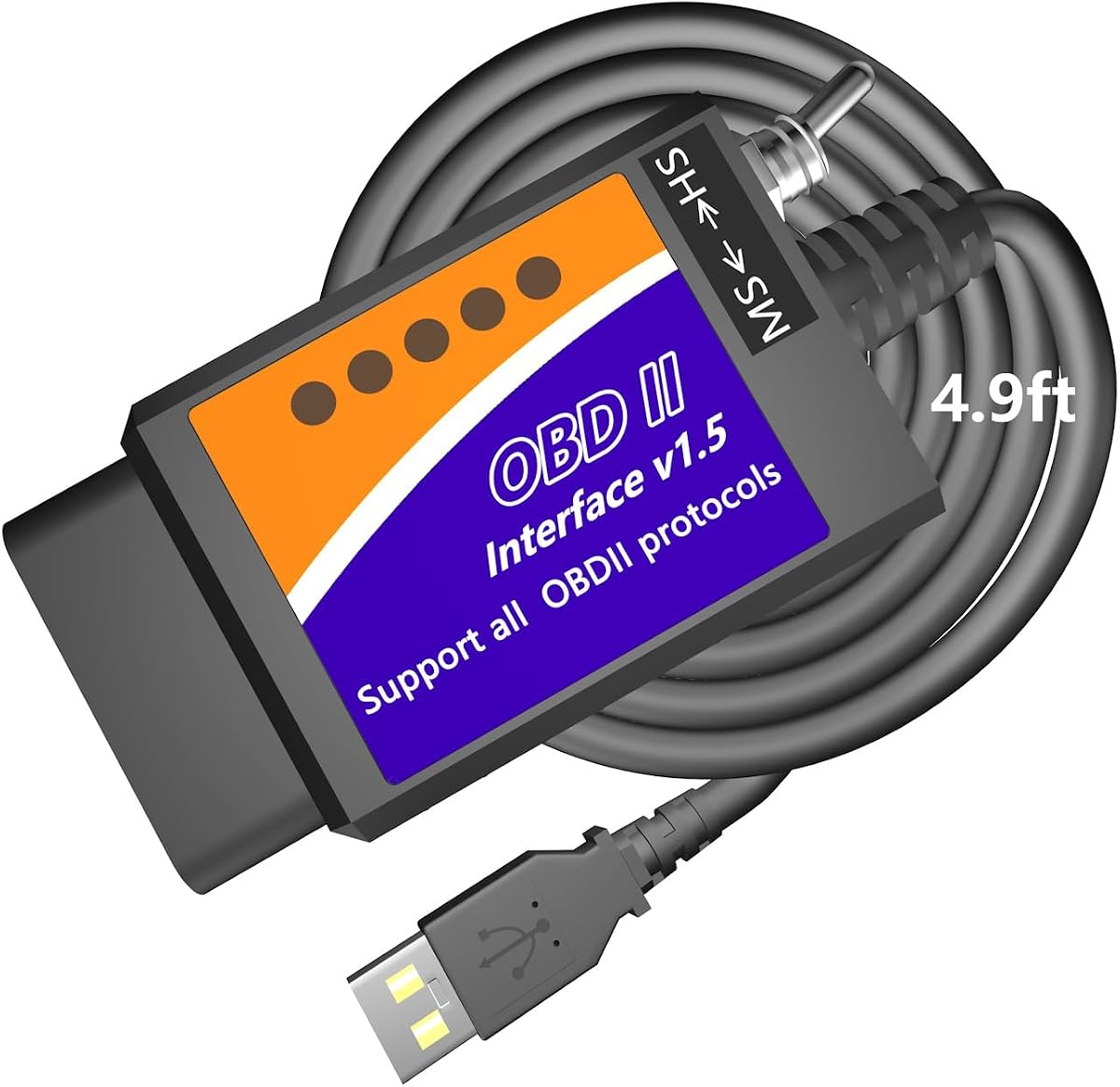
Includes MS and HS CAN toggle
Compatible with Windows systems
Supports multiple diagnostic apps
This guide compares the top Forscan USB OBD2 Adapter options for Ford and Mazda owners seeking reliable diagnostics and advanced configuration features.
Finding the right Forscan USB OBD2 Adapter is essential for vehicle owners who want to unlock hidden features and perform deep diagnostics on their cars.
We evaluated ten top-rated adapters based on stability, speed, protocol support, and compatibility with the FORScan software ecosystem across various vehicle brands.
Each pick highlights key strengths and trade-offs to help you choose the best tool for your needs while noting that prices and availability may change.
4.4Editor score

4.7Editor score

4.7Editor score
This side-by-side comparison details the specifications and capabilities of the ten leading Forscan USB OBD2 adapters available to car owners today.




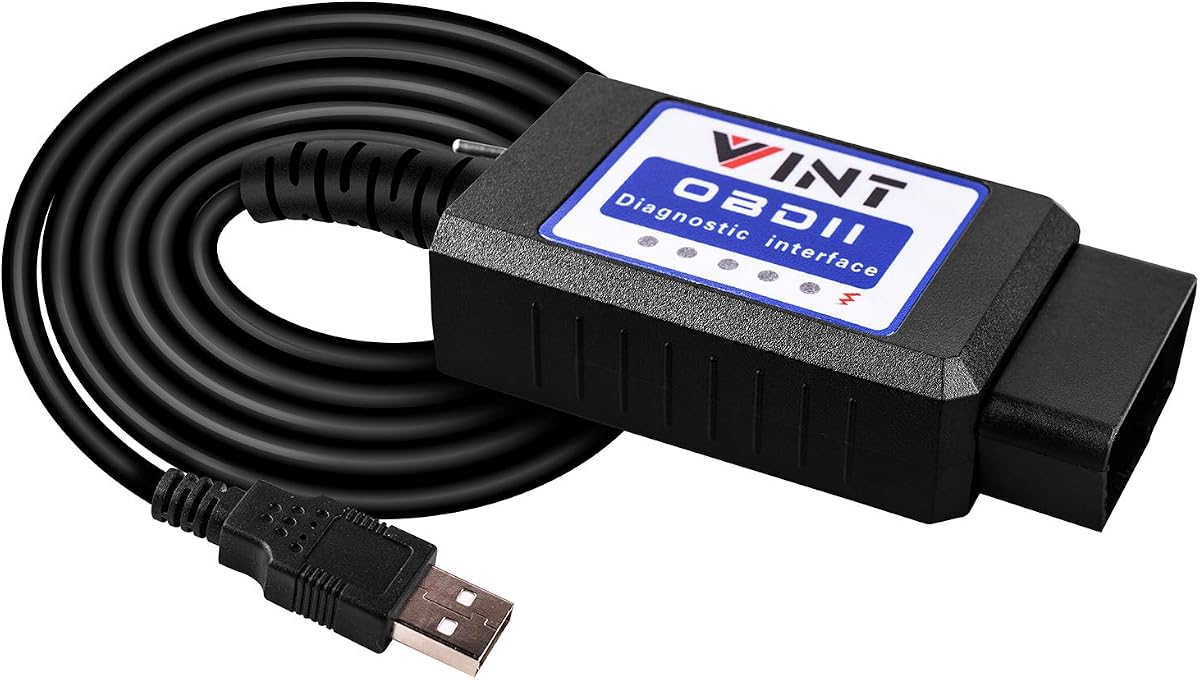
The Vgate vLinker FS is a top-tier USB adapter designed specifically for reliable performance with FORScan and other OBD2 tools.
We may earn a commission when you buy through this link, at no additional cost to you.
It uses the ELM327 protocol to connect to your vehicle and offers fast data speeds that prevent dropped packets during live streaming.
While it requires separate installation of diagnostic software and is optimized for Windows PCs, its stability makes it worth the setup effort.
Anyone looking for a dependable way to manage complex vehicle modules should choose this adapter for its balance of speed and ease.
Supporting up to 3 Mbps and full 4095-byte packets ensures you can access detailed vehicle data without truncation.
The adapter automatically identifies HS-CAN and MS-CAN buses so you do not have to manually toggle switches during use.
We may earn a commission when you buy through this link, at no additional cost to you.
This adapter stands out for its electronic switching capability that allows simultaneous access to all CAN buses in your vehicle.
We may earn a commission when you buy through this link, at no additional cost to you.
It is custom designed for FORScan and supports advanced features that are often impossible with standard toggle switch adapters on the market.
While the cost is higher than many alternatives, the speed and reliability justify the investment for professionals or serious enthusiasts.
If you need dealership-level diagnostics without the service center fees this adapter offers the most complete and powerful solution available.
Unlike adapters that need manual toggling, this unit accesses all buses simultaneously to speed up complex diagnostic workflows significantly.
You can read codes and configure modules exactly as a dealer would thanks to full support for Ford protocol standards.
We may earn a commission when you buy through this link, at no additional cost to you.
The OHP USB device is a straightforward tool for Ford owners who want to read and clear codes without expensive mechanic visits.
We may earn a commission when you buy through this link, at no additional cost to you.
It runs on a wide range of Windows versions and provides detailed fault descriptions to help you identify root causes accurately.
It lacks support for newer Mazda models and macOS systems which may limit its use if you drive those specific vehicle types.
For traditional Ford and Lincoln trucks and cars this adapter delivers solid value and functionality for basic to intermediate diagnostics.
Each code retrieved includes a description that helps you understand what is wrong before you start any repairs on your car.
The device supports Windows XP through Windows 10 so it works with older and newer laptops without needing special hardware.
We may earn a commission when you buy through this link, at no additional cost to you.
This adapter is designed to provide fast stable and efficient configuration with high speed data transfer rates for complex modules.
We may earn a commission when you buy through this link, at no additional cost to you.
It includes battery saver technology that reduces power drain when the car is off so you can leave it plugged in safely.
The automatic switching between HS and MS CAN buses saves time and prevents errors during live streaming or module programming sessions.
Owners who need to modify settings on Ford or Mazda vehicles will appreciate the comprehensive support and warranty coverage provided.
The device enters a low power sleep mode of just 3mA when idle to prevent battery drain during long diagnostic sessions.
Supporting up to 18V output enables FEPS programming tasks that require higher voltage than standard OBD2 adapters provide.
We may earn a commission when you buy through this link, at no additional cost to you.
This adapter offers a cost-effective entry point for those who want to unlock hidden features like Bambi mode on Ford vehicles.
We may earn a commission when you buy through this link, at no additional cost to you.
It includes MS and HS CAN toggle switches that let you access different network buses needed for certain diagnostic functions.
Driver installation is required before use which might be a hurdle for users unfamiliar with Windows driver management procedures.
For budget conscious owners of Ford Lincoln or Mazda cars this scanner delivers reliable performance without sacrificing essential capabilities.
You can enable features such as global window control and secure idle that are not available through the standard dash.
Supporting J1850PWM and other legacy protocols ensures compatibility with older models alongside newer CAN equipped vehicles.
We may earn a commission when you buy through this link, at no additional cost to you.
This unit is designed to cover most Ford and Mazda models from 2000 onwards including the popular F series pickup trucks.
We may earn a commission when you buy through this link, at no additional cost to you.
It supports essential special functions such as Bambi mode and reverse tilt mirror adjustments through standard OBD2 diagnostic tools.
The adapter does not support the latest 2019 Mazda models so buyers of those cars should check compatibility before purchasing online.
It serves as a practical and affordable solution for daily drivers needing code reading and minor configuration changes without high cost.
The tool works well with heavy duty F250 and F350 models allowing detailed checks on engine and transmission systems.
Once drivers are installed the scanner is ready to connect to any supported vehicle with a standard OBD2 port.
We may earn a commission when you buy through this link, at no additional cost to you.
A standout feature of this adapter is the extra long 4.9ft cable that allows comfortable positioning of your laptop in the car.
We may earn a commission when you buy through this link, at no additional cost to you.
It lets you unlock hidden features like Sync menu modifications and custom daytime running lights through supported diagnostic apps.
The cable length reduces strain on the OBD port and allows you to rest your laptop on your lap during long sessions.
If you often need to move around the car while checking live data this adapter provides the physical flexibility you need.
The longer cable avoids the cramped feeling of shorter tools so you can reach passenger seats easily without tugging wires.
It bridges your software to vehicle modules so you can activate features like Traffic Sign Recognition if hardware exists.
We may earn a commission when you buy through this link, at no additional cost to you.
This adapter uses a reliable FTDI chip to ensure stable connections that avoid the data corruption common with cheaper adapters.
We may earn a commission when you buy through this link, at no additional cost to you.
It enables fast operations at speeds up to 500 kbit per second which is vital for professional grade engine programming tasks.
While it has a simple design it provides all the necessary switches to access different vehicle networks effectively during diagnosis.
Users who prioritize connection stability over cosmetic features will find this device meets all their diagnostic needs reliably.
The hardware quality ensures dropped packets are minimized so your diagnostic sessions do not fail due to connection errors.
Fast data rates allow live data streams to update smoothly so you can watch sensor changes in real time.
We may earn a commission when you buy through this link, at no additional cost to you.
This version of the vLinker FS emphasizes automatic electronic switching to allow access to all CAN buses simultaneously and easily.
We may earn a commission when you buy through this link, at no additional cost to you.
It delivers rock solid connections with no dropped packets so you can trust it for critical ECU configuration and programming work.
The high baud rate enables smoother graphics and real-time meters that make monitoring engine performance much more effective.
If you value seamless operation and advanced support this adapter provides the best user experience among USB tools on the market.
Automatic switching means you do not have to worry about toggling manually which saves time during complex diagnostic workflows.
High transmission rates allow you to view detailed data graphs without lag so you catch issues as they happen.
We may earn a commission when you buy through this link, at no additional cost to you.
This interface is a favorite among Ford owners for its ability to scan and program as-built data on F series and light trucks.
We may earn a commission when you buy through this link, at no additional cost to you.
It supports both generic and specific diagnostic trouble codes helping you pinpoint issues across all vehicle systems easily.
The MS and HS CAN toggle switch has been improved to smooth communication with existing vehicle modules reliably.
For cost conscious owners who need reliable tool for basic maintenance and hidden feature access this scanner is a great option.
You can access and change as-built data which allows you to modify factory settings and unlock hidden features.
Supporting both generic and specific codes means you can troubleshoot engine and transmission issues comprehensively.
We may earn a commission when you buy through this link, at no additional cost to you.
Choosing the right USB OBD2 adapter depends on your specific vehicle model, software needs, and budget constraints.
Ensure the adapter supports the specific CAN buses used by your vehicle, such as HS-CAN and MS-CAN, which are common in Ford and Mazda models.
Check the manufacturer's compatibility list to confirm support for your exact year, make, and model before making a purchase decision.
Most high-quality adapters require a Windows-based PC or laptop to function, as many diagnostic tools are not natively available on macOS.
If you use a Mac you will need to run Windows via virtualization to use most of these tools successfully.
Look for adapters with USB connectivity rather than wireless options to ensure a rock-solid connection that avoids dropped packets during live streaming.
Higher quality chips like FTDI can provide better stability and faster data transfer rates than cheaper alternatives.
Some adapters require you to manually toggle switches between bus types while others handle this automatically through electronic switching.
Automatic switching saves time and reduces the risk of connecting to the wrong network during critical programming operations.
Verify that the adapter is optimized for FORScan or other third party tools you intend to use for your vehicle diagnostics.
Some devices come with extended license trials for FORScan software which can help you unlock more features for free.
Prices vary from budget friendly options around $15 to premium devices nearing $70 depending on features and build quality.
Higher priced units often offer better build quality and support for advanced programming features that cheaper adapters cannot provide.
If you plan to modify hidden features or change factory settings ensure the adapter supports necessary voltage outputs like 18V for certain ECU programming tasks.
Check if the adapter supports the specific modules you need to access such as transmission control or engine management systems.
Many USB adapters require manual installation of specific drivers like FTDI or CH340 before they can communicate with your computer.
Ensure you are comfortable installing drivers and that the device supports your operating system version before buying.
First connect your laptop or desktop to a powered USB port and plug the adapter into your vehicle's OBD2 port before starting the engine to avoid power drain.
Next install the recommended diagnostic software on your PC and configure the connection settings to recognize the correct COM port for the adapter.
Finally run a full vehicle scan to identify any trouble codes and clear them once repairs are complete to reset warning lights on the dashboard.
The Vgate vLinker FS and OBDLink EX are often considered the best for Ford vehicles due to their reliable CAN bus handling and FORScan optimization. They offer stable connections and support for advanced module programming.
Most USB OBD2 adapters are designed for Windows systems. If you use a Mac you will likely need to run Windows via Boot Camp or virtualization software to use the required diagnostic tools effectively.
Yes most adapters require you to install specific USB drivers like FTDI or CH340 before they can communicate with your computer. Make sure to download them from the manufacturer's website first.
HS-CAN is high speed communication used for critical systems like engine and transmission while MS-CAN is medium speed used for comfort and body control modules. Your adapter must support both to access all vehicle data.
Yes they are safe when used correctly. Always follow the software instructions and avoid modifying settings you are unsure of. Most adapters include protection features to prevent battery drain or data corruption.
Connect the adapter to your vehicle and your computer then launch the diagnostic software. Navigate to the trouble code section and select the option to clear or erase stored codes from all modules.
FORScan is the most popular choice for Ford and Mazda vehicles offering deep diagnostic capabilities. Other options include ELMconfig and FoCCCus for specific configuration tasks and feature unlocking.
Some modern adapters have sleep modes that reduce power draw allowing them to remain plugged in without draining the battery. Check your specific model specifications before leaving it connected for extended periods.
We reviewed ten top Forscan USB OBD2 adapters highlighting the strengths of the Vgate vLinker FS the OBDLink EX and budget friendly options for different users.
Prioritize stability CAN bus support and software compatibility to ensure you can perform diagnostics and configuration without technical issues or connection drops.
Check current prices and product specifications on official retailer pages before purchasing as features and availability may change over time.