
Hprosper 2K Webcam
4.2Editor score
Affordable price point
Automatic light correction
Privacy cover included
This guide compares the top 2K Hd Webcam under 50 for clarity, privacy, and audio performance to help you choose the right camera for calls or streaming.
Finding a high quality webcam does not need to break the bank. Many users struggle to find devices that balance resolution with affordability for daily video needs.
We evaluated ten top rated models based on image clarity, microphone performance, and build quality. Each option offers distinct features to suit different work and gaming setups.
Every pick highlights key strengths and potential limitations for informed decisions. Prices may fluctuate so check current listings before purchasing to secure the best value today.
4.2Editor score

4.5Editor score

4.4Editor score
This side by side comparison lists all ten products with key specifications to help you quickly identify the right model for your specific needs and setup requirements.
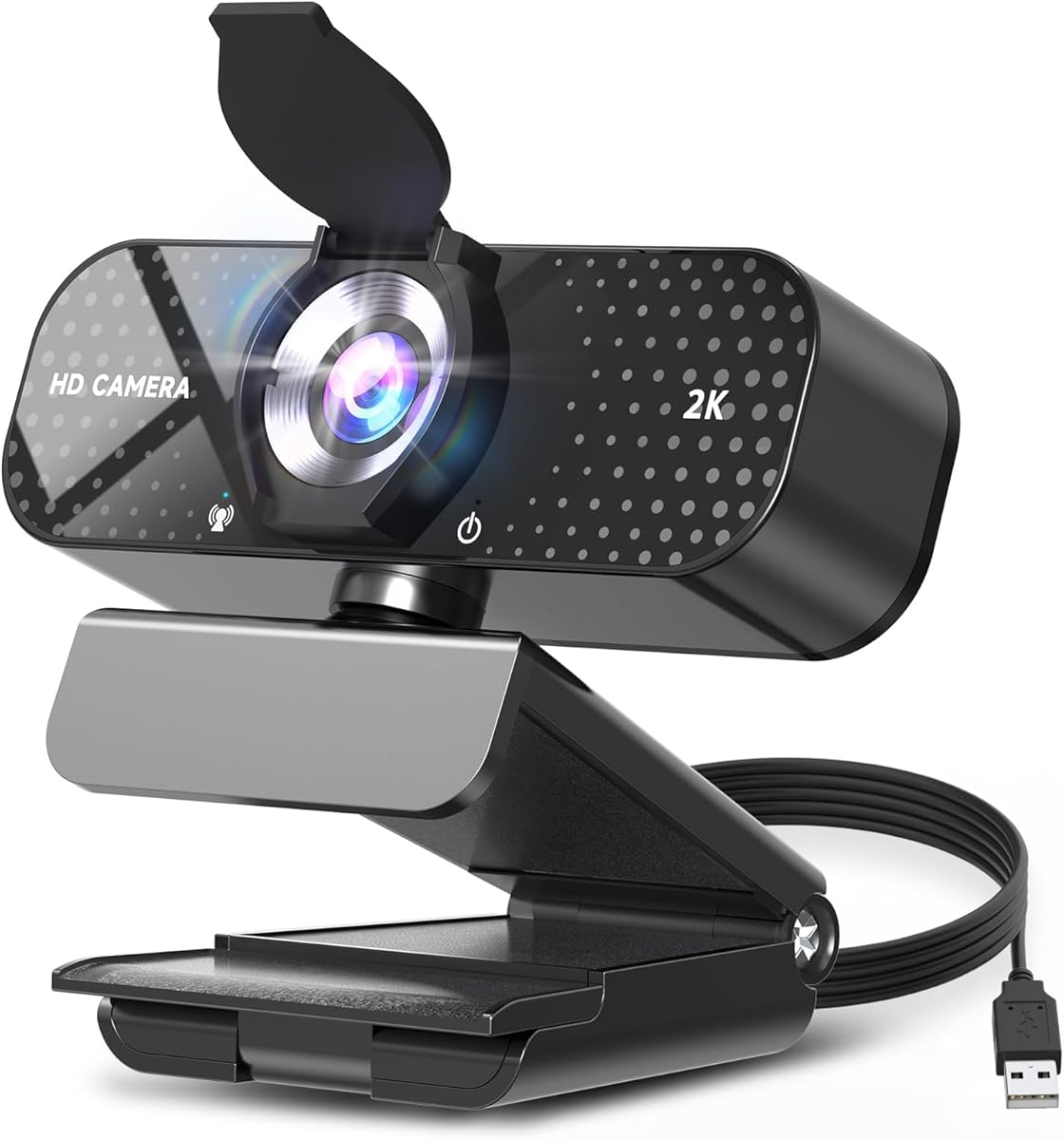

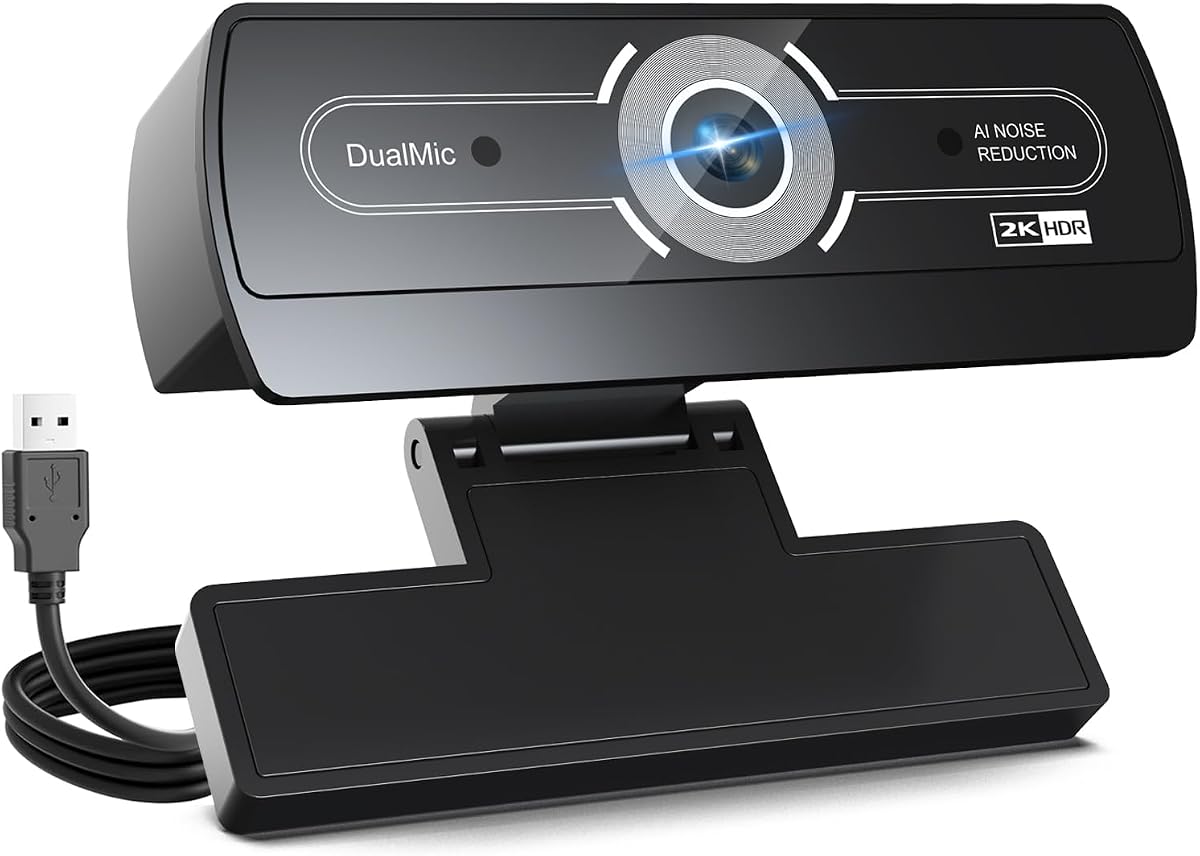
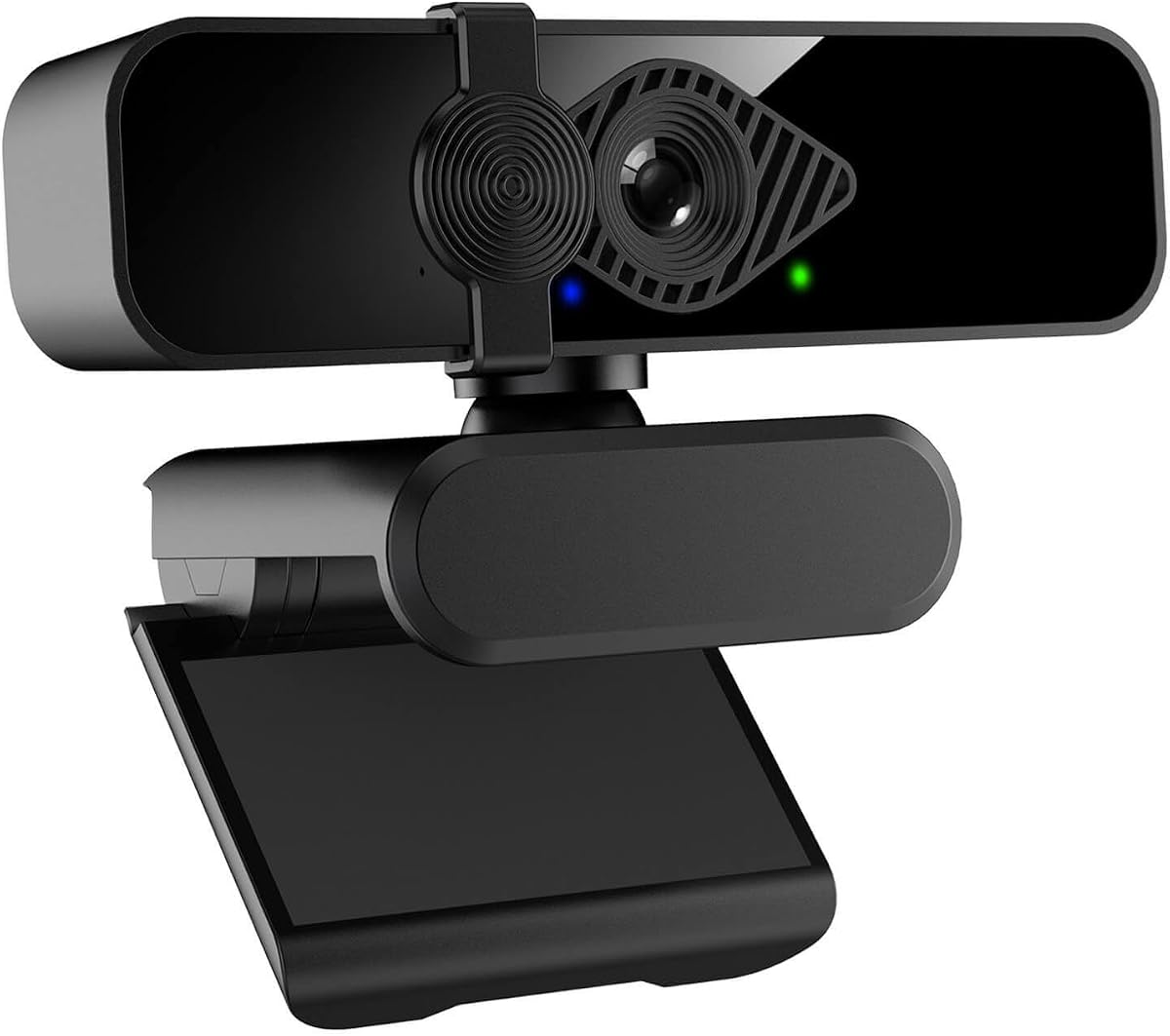


The UGREEN 2K Webcam stands out as a top choice for users seeking clarity without overspending. Its 2K resolution ensures sharp visuals for meetings and streaming sessions.
We may earn a commission when you buy through this link, at no additional cost to you.
Dual microphones capture your voice clearly while minimizing background noise effectively. The wide 95 degree field of view allows you to include more context in your frame.
While it lacks autofocus adjustment the fixed focus works well for standard desk setups. The privacy cover provides essential security when the camera is idle.
This webcam is ideal for professionals and students needing reliable video quality. It delivers consistent performance across Windows and Mac systems seamlessly.
The 4 MP CMOS sensor captures detailed textures and colors effectively. This ensures you look professional during high stakes video calls.
A sliding privacy cover blocks the lens when not in use. This simple feature adds peace of mind for home office security.
We may earn a commission when you buy through this link, at no additional cost to you.
TRAUSI delivers impressive 2K clarity at a budget friendly price point. It is perfect for casual users needing reliable video for daily tasks.
We may earn a commission when you buy through this link, at no additional cost to you.
Auto light correction adapts to various environments ensuring your face stays visible. The noise canceling mic helps maintain clear audio in noisy rooms.
Setup requires no drivers making it accessible for non technical users. The wide angle lens captures more of your surroundings effectively.
Choose this model if you prioritize cost savings without sacrificing resolution. It offers solid performance for online classes and quick calls.
Dynamic brightness adjustment ensures optimal visual quality in dim rooms. This feature keeps you looking clear regardless of lighting conditions.
Eco conscious materials reduce environmental impact during manufacturing. This choice supports greener practices while maintaining durability.
We may earn a commission when you buy through this link, at no additional cost to you.
This model brings flagship autofocus technology to an affordable price range. The PDAF system locks onto faces quickly ensuring sharp video during movement.
We may earn a commission when you buy through this link, at no additional cost to you.
Dual microphones with a dedicated chip suppress background noise effectively. You stay heard clearly even in busy home offices.
The adjustable clip and long cable offer versatile placement options. It supports both USB and USB C devices easily.
Streamers and presenters benefit most from these advanced features. The combination of speed and clarity sets it apart from standard options.
Phase detection autofocus eliminates hunting for focus during calls. This keeps your image sharp even when moving closer to the screen.
Hardware noise canceling filters out fan noise and keyboard clicks. This ensures professional audio without external equipment.
We may earn a commission when you buy through this link, at no additional cost to you.
EMEET C100 offers a stable video experience without autofocus interruptions. The fixed focus keeps images sharp within the standard desk range.
We may earn a commission when you buy through this link, at no additional cost to you.
Its metal clip holds securely on monitors preventing accidental slips. Integrated cable design reduces clutter on your workspace effectively.
Software allows you to tweak brightness and exposure manually. This gives control over image quality in tricky lighting scenarios.
Ideal for users who want reliability over complex features. The privacy shutter adds essential security for shared workspaces.
Fixed focus prevents blurring during typical usage ranges. This ensures consistent image quality for daily video interactions.
Software tools allow manual tweaks for better results. You can adjust exposure to suit your specific room lighting.
We may earn a commission when you buy through this link, at no additional cost to you.
Hprosper excels in maintaining image quality across varied lighting conditions. Its automatic correction ensures you look your best without manual adjustments.
We may earn a commission when you buy through this link, at no additional cost to you.
The 2K resolution captures fine details that standard 1080P misses. This clarity is useful for presentations and detailed tasks.
Noise canceling filters out distractions ensuring your voice stands out. A physical cover protects privacy when the camera is not active.
Best for users needing consistent visual quality on a budget. It performs well in both home and office environments.
Intelligent balancing restores true colors even in dim rooms. This prevents washed out or oversaturated skin tones.
360 degree rotation allows precise angle adjustments. You can frame your view perfectly for any setup.
We may earn a commission when you buy through this link, at no additional cost to you.
XOCLON provides solid autofocus capabilities for active users. The PDAF system ensures sharp focus as you move or present.
We may earn a commission when you buy through this link, at no additional cost to you.
A 92 degree field of view frames you nicely without excess clutter. AI noise canceling isolates your voice during meetings effectively.
Auto light correction adapts to bright or dim rooms automatically. The plug and play setup saves time for quick calls.
Good for general use needing reliable focus features. It handles video calls well for home offices.
Autofocus locks instantly to keep your image sharp. This helps maintain professionalism during dynamic presentations.
AI algorithms reduce background noise to isolate speech. Your colleagues hear you clearly without distractions.
We may earn a commission when you buy through this link, at no additional cost to you.
This webcam offers a compact design for smaller setups. Its 85 degree lens keeps the focus tight on you.
We may earn a commission when you buy through this link, at no additional cost to you.
Noise canceling technology ensures your voice is heard clearly. The privacy cover adds a layer of security for daily use.
Flexible rotation allows you to find the perfect angle. It works seamlessly across Windows and Mac systems.
Ideal for tight desk spaces needing efficient video tools. The build is simple yet functional for standard calls.
Small footprint leaves room on monitor for other items. This keeps your desk organized and uncluttered.
Sliding cover protects the lens from dust and access. Essential for users concerned about privacy.
We may earn a commission when you buy through this link, at no additional cost to you.
This model delivers detailed visuals with high pixel density. You capture fine textures and facial details effectively.
We may earn a commission when you buy through this link, at no additional cost to you.
Dual noise reduction merges hardware and software for clear audio. A detachable privacy cover ensures your security when needed.
Support for USB C makes it future proof for modern devices. The plug and play setup simplifies initial configuration.
Great for users wanting high detail without expensive gear. It handles gaming and calls with consistent performance.
High pixel count eliminates blurs for lifelike images. This ensures you look sharp on camera.
USB C compatibility works with modern laptops easily. This reduces need for extra adapters.
We may earn a commission when you buy through this link, at no additional cost to you.
Manual focus allows precise adjustments for specific needs. This is useful for showing documents or detailed objects clearly.
We may earn a commission when you buy through this link, at no additional cost to you.
A flexible gooseneck stand lets you position the camera anywhere. It supports both monitor clips and desktop placement.
Image flipping helps when showing drawings or physical items. Noise canceling microphone ensures your explanation is heard.
Perfect for educators or presenters needing flexible angles. It adds utility beyond standard video calls.
Adjust focus ring to suit your specific distance. This prevents blur when showing small details.
Document camera mode simplifies sharing physical items. Ideal for tutoring or instructional sessions.
We may earn a commission when you buy through this link, at no additional cost to you.
This webcam balances high pixel density with essential privacy tools. The slider cover blocks the lens instantly when needed.
We may earn a commission when you buy through this link, at no additional cost to you.
Noise reduction ensures your voice is clear in meetings. It works seamlessly across PCs, laptops, and smart TVs.
High pixel count delivers detailed visuals for streaming. Support includes free replacement for added peace of mind.
Ideal for users needing a versatile daily driver. It covers work, gaming, and streaming needs effectively.
Sliding cover offers instant privacy during inactivity. This prevents unauthorized access or accidental recording.
After sales team provides free replacements for issues. This reduces risk when purchasing online.
We may earn a commission when you buy through this link, at no additional cost to you.
Choosing the right webcam involves considering resolution, audio quality, and privacy features to match your specific workflow needs.
Look for 2K resolution to ensure sharp details in video calls. High pixel counts help avoid blurs and ensure professional presentation.
Prioritize sensors that support 2K at 30fps for smooth visuals.
Dual microphones with noise canceling are essential for clear communication. They help isolate your voice from background distractions effectively.
Check if the device includes hardware filtering for better audio quality.
A wider FOV like 90 degrees allows more room for group calls. Narrower angles focus better on individual users in quiet settings.
Select based on whether you need solo or team framing.
Autofocus keeps your image sharp if you move during calls. Fixed focus is cheaper but limits dynamic movement.
PDAF technology offers faster focus adjustments than standard options.
Physical covers or sliders block the lens when the device is idle. This adds security against malware or accidental access.
Ensure the cover is easy to operate without damaging the lens.
Sturdy clips hold the webcam securely on monitors without slipping. Metal components generally last longer than plastic mounts.
Check for durability in the clip and hinge mechanisms.
Verify support for your operating system like Windows or Mac. Plug and play functionality simplifies setup without extra drivers.
USB 3.0 ports ensure smoother data transfer for 2K video.
Auto brightness adjusts to dim rooms to keep faces visible. This reduces the need for manual lighting setups.
Look for models with infrared filters for better night performance.
Connect the webcam to a USB 3.0 port for optimal data transfer speed. Ensure your device has enough bandwidth to handle 2K resolution smoothly.
Position the camera at eye level to avoid unflattering angles. Adjust the height using your monitor's mount or a dedicated stand.
Clean the lens gently with a soft cloth to remove dust. Regular maintenance keeps the image clear and prolongs device life.
While 2K webcams can work with USB 2.0, using a USB 3.0 port ensures smoother video transfer without lag. If your computer lacks a USB 3.0 port, you might experience lower frame rates.
Use the camera app on your OS to test settings before joining calls. Check brightness, exposure, and audio levels to ensure everything is configured correctly.
Yes, many models support popular streaming software like OBS. The 2K resolution provides detailed visuals for viewers on platforms like Twitch or YouTube.
Position a light source in front of you rather than behind. This prevents backlighting and ensures your face is evenly illuminated during calls.
Most are plug and play but some offer apps for manual adjustments. These tools allow control over brightness, contrast, and other settings.
With proper care, a webcam can last several years. The main wear point is the clip hinge, so handle it gently when adjusting.
The UGREEN 2K Webcam leads this list with balanced performance and privacy features. TRAUSI and Hprosper offer budget friendly alternatives for those needing affordability.
Prioritize autofocus if you move during calls and noise canceling for clear audio. Ensure the webcam supports your operating system for hassle free setup.
Check current prices and availability as they fluctuate frequently. Investing in the right model improves your video communication experience significantly.