
Logitech G305 Lightspeed Wireless Gaming Mouse
4.6Editor score
HERO optical sensor efficiency
Up to 250 hours battery
Compact lightweight mechanical design
We compare the top ten lightest gaming mice available in October 2026 focusing on weight sensor performance battery life and overall build quality for
Finding the lightest mice for gaming can transform your aim and reduce fatigue during long sessions. Competitive players often seek ultra-light designs to maximize speed and precision without sacrificing durability or comfort in modern setups.
Our team analyzed ten top models based on sensor technology weight distribution battery life and build quality. We evaluated professional feedback and technical specs to ensure each pick meets the demands of serious gamers across various genres and grip styles.
Each selection highlights key strengths like wireless latency or ergonomic shape to help you decide. Prices and availability change frequently so check the links for the latest deals and stock status before making your final purchase decision today.
4.6Editor score

4.5Editor score

4.3Editor score
This side-by-side comparison breaks down the key specifications of ten top lightweight gaming mice to help you quickly identify the model that fits your hand size grip style and performance needs without reading lengthy text.


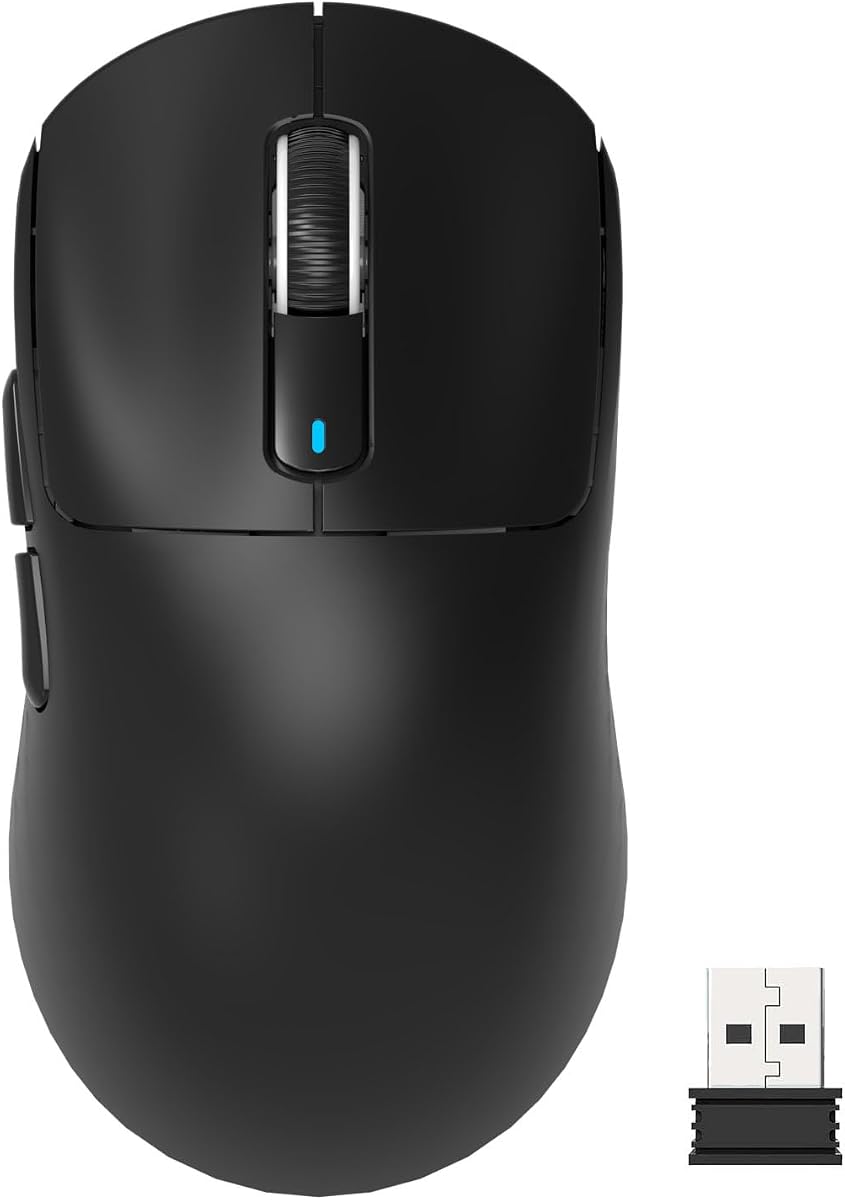


The Logitech G PRO X Superlight 2 stands out as a championship winning wireless mouse designed with esports pros. It delivers a lightweight experience with a HERO 2 sensor that ensures precise tracking and reliable performance.
We may earn a commission when you buy through this link, at no additional cost to you.
Its HERO 2 sensor offers tracking over 300 IPS with zero smoothing or acceleration. The LIGHTFORCE hybrid switches provide tactile precision while the PTFE feet ensure smooth gliding across surfaces.
While the battery life is robust at 95 hours some users may prefer RGB effects which this model omits. The premium price is justified by the pro grade build and wireless reliability.
Ideal for competitive players seeking minimal weight and maximum precision this mouse is a top choice for wireless setups.
The HERO 2 sensor provides high DPI settings and smooth tracking without lag or jitter during rapid movements.
Designed for symmetrical grips it balances weight distribution to reduce strain during extended gaming sessions.
We may earn a commission when you buy through this link, at no additional cost to you.
The Pulsar Gaming Gears X2H redefines lightweight with an unbelievable 37 gram weight. It features a symmetrical shape that supports claw and relaxed claw grips for agile movements.
We may earn a commission when you buy through this link, at no additional cost to you.
Its XS-1 sensor delivers 32000 DPI resolution and 750 IPS tracking speed. Optical switches minimize double clicks while DOT skates ensure smooth gliding on any surface.
Some users may find the mini size limiting for larger hands but the build quality and performance are exceptional for fast paced games.
Perfect for players prioritizing weight and speed this mouse delivers flagship performance in a featherlight package.
The minimal design ensures ultra light handling while maintaining exceptional durability and sleek aesthetics for intense play.
The exclusive XS-1 sensor provides high precision and acceleration limits that enhance control during fast maneuvers.
We may earn a commission when you buy through this link, at no additional cost to you.
The Razer Viper V3 HyperSpeed balances weight and performance with a 82 gram mass centralized design. Its Focus Pro 30K sensor ensures accuracy on various surfaces including glass.
We may earn a commission when you buy through this link, at no additional cost to you.
With up to 280 hours of battery life it supports long sessions on a single AA battery. Mechanical switches Gen 2 offer a crisp click and high durability.
The reliance on AA batteries may be a downside for some but the battery life is impressive. The sensor performance and build quality are competitive.
Great for players needing reliable wireless performance without the premium price tag this mouse is a solid choice.
The efficient power design supports intense gaming schedules with minimal need for frequent battery changes.
The sensor maintains flawless tracking on glass and hard surfaces ensuring consistent aiming precision.
We may earn a commission when you buy through this link, at no additional cost to you.
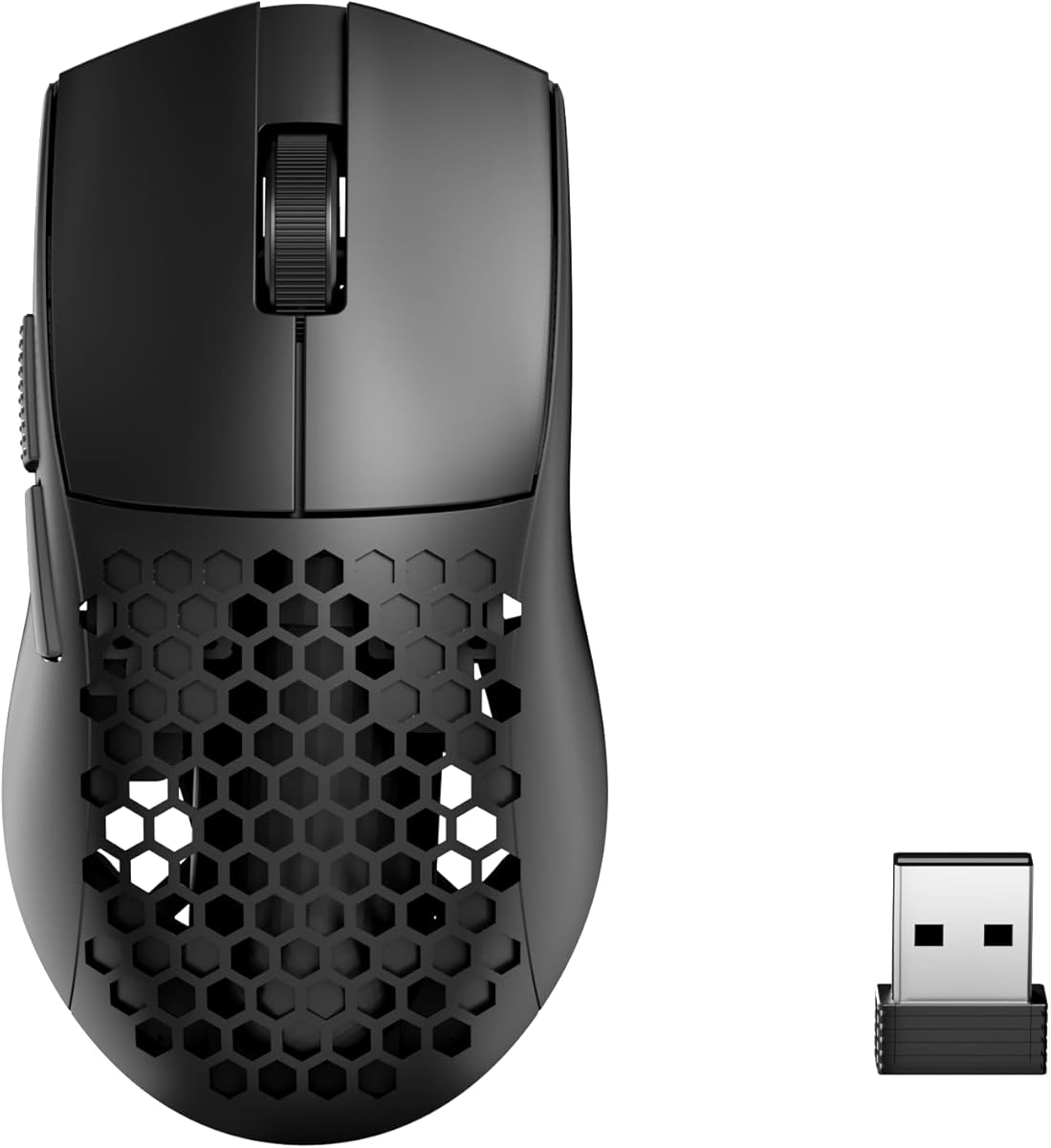
The Redragon M725 Honeycomb offers tri-mode connectivity at a budget friendly price. Its honeycomb design reduces weight to 49 grams and keeps hands dry during use.
We may earn a commission when you buy through this link, at no additional cost to you.
The 8000 DPI sensor is sufficient for most gamers and programmable buttons allow customization. Software support enables macro binding and DPI adjustments for tailored settings.
The honeycomb shell may collect dust over time which requires cleaning. Despite this it is a strong option for entry level wireless gaming.
Ideal for gamers on a budget this mouse provides versatile connectivity and lightweight performance without breaking the bank.
Three connection modes allow seamless switching between devices for gaming and work tasks.
The hollow design enhances air circulation to reduce palm sweating during long sessions.
We may earn a commission when you buy through this link, at no additional cost to you.
The Logitech G305 Lightspeed is a compact wireless mouse featuring a HERO sensor for precision. It offers incredible battery life and fast wireless performance for competition level gaming.
We may earn a commission when you buy through this link, at no additional cost to you.
The HERO sensor delivers 12000 DPI and 10x power efficiency. A single AA battery can last up to 250 hours ensuring minimal interruptions during play.
Its small size makes it great for travel though AA batteries may limit portability for some. The lack of RGB is a minor trade-off for the value.
Perfect for budget conscious gamers this mouse balances performance battery life and portability effectively.
LIGHTSPEED wireless technology provides 1ms report rates for a lag free gaming experience.
The power efficient design extends battery life up to 9 months in endurance mode.
We may earn a commission when you buy through this link, at no additional cost to you.
The MCHOSE L7 Pro offers 39g weight and a high polling rate for smooth tracking. It supports tri-mode connection and durable optical switches for long lasting use.
We may earn a commission when you buy through this link, at no additional cost to you.
Its optical switches provide a 150 million click lifespan. The 8K Hz polling rate enhances responsiveness. A free wireless 8K receiver is included for improved visuals.
The driver software can be intuitive for new users but offers extensive customization. The build quality is impressive for the price point.
Great for gamers seeking high polling rate performance without premium costs this mouse is a strong contender.
The high polling rate ensures submicron scale motion detection for precise control.
Three modes allow flexible connection options for gaming and daily work tasks.
We may earn a commission when you buy through this link, at no additional cost to you.
The ATTACK SHARK X3 features the PAW3395 flagship sensor and a 49 gram lightweight design. It supports three connection modes and durable switches for precise tracking.
We may earn a commission when you buy through this link, at no additional cost to you.
Its Kailh GM8.0 switches offer a crisp click with high durability. The sensor provides high DPI and tracking speed for gaming needs.
Software support may be less robust than major brands. The lightweight build is comfortable but some may prefer heavier shells for stability.
Best for gamers seeking flagship sensor performance at an affordable price this mouse is a great value.
The sensor ensures fast response and precise positioning for competitive play.
Kailh switches provide durable tactile feedback for consistent inputs.
We may earn a commission when you buy through this link, at no additional cost to you.
The Pulsar Gaming Gears X2 offers a medium symmetrical shape with 39 gram weight. It uses an XS-1 sensor and optical switches for precision and speed.
We may earn a commission when you buy through this link, at no additional cost to you.
Its low profile design supports claw and fingertip grips. The dust proof structure ensures durability while DOT skates enhance gliding.
The size may feel small to those preferring heavier mice. The aesthetics and performance make it a strong option.
Ideal for players seeking lightweight and responsive control in a medium form factor this mouse stands out.
The shape accommodates claw and fingertip grips for precise control.
Dust proof construction ensures long term reliability.
We may earn a commission when you buy through this link, at no additional cost to you.
The ASUS ROG Harpe Ace Mini is a compact design optimized for fingertip and claw grips. It features a tri-mode connection and a 49 gram lightweight build.
We may earn a commission when you buy through this link, at no additional cost to you.
Its AimPoint Pro sensor delivers high DPI and accuracy. The shape is refined for smaller hands ensuring control with minimal fatigue.
The smaller form may not suit all users but it excels for precision. The build quality and pro approval add value.
Perfect for esports players with smaller hands seeking a compact lightweight mouse this model is excellent.
Co-developed with pros to ensure optimal control and precision for competitive gaming.
Wireless and wired modes offer flexible connection for different scenarios.
We may earn a commission when you buy through this link, at no additional cost to you.
The Redragon M808 Storm offers an ultralight shell at 85g with RGB customization. Its honeycomb design and programmable buttons enhance performance and visuals.
We may earn a commission when you buy through this link, at no additional cost to you.
The 12400 DPI sensor allows precise registration and the cable reduces friction. Software supports customization for DPI and lighting effects.
It is wired which limits mobility but ensures reliability. The honeycomb holes may collect dust over time.
Great for budget users seeking RGB and lightweight features this mouse provides excellent value and performance.
Programmable buttons and RGB allow tailored settings for personal gaming style.
The shell and cable reduce weight and friction for longer sessions.
We may earn a commission when you buy through this link, at no additional cost to you.
Choosing the right lightweight gaming mouse involves considering weight sensor connectivity and ergonomics. This section covers key factors to help you find the best fit for your needs.
Lightweight mice range from 37 grams to 85 grams. Lighter mice reduce fatigue and increase speed but may feel less stable for larger hands. Choose a weight that matches your grip style and comfort preferences.
Look for models around 40 to 60 grams for competitive gaming to balance speed and control without excessive strain.
The optical sensor determines tracking precision and DPI. Flagship sensors like HERO 2 PAW3395 or XS-1 offer high resolution and speed. Avoid models with poor calibration or jitter.
Prioritize sensors with DPI above 16000 IPS above 400 and zero smoothing for accurate tracking.
Wireless mice offer freedom but require battery management. Tri-mode mice support Bluetooth wired and wireless for flexibility. Ensure low latency wireless for competitive gaming.
Choose wireless for convenience or wired if you prefer minimal latency and no charging needs.
Battery life varies from AA batteries to built-in rechargeables. Models like Logitech G305 offer up to 250 hours on AA. Rechargeable mice may offer 90 hours or more.
Check battery specs to ensure it meets your session length needs.
Hand shape and grip style dictate the ideal mouse shape. Symmetrical shapes suit claw and fingertip grips while ergonomic ones support palm grips. Try to test the shape if possible.
Select a shape that fits your hand and reduces fatigue during long sessions.
Lightweight materials like honeycomb shells reduce weight but can collect dust. Solid shells offer durability but add weight. Check for switch longevity and dust proof features.
Look for switches rated for 50 million clicks or more for longevity.
Programmable buttons and software allow DPI and macro settings. Some brands offer robust software for mapping while others are limited. Ensure the mouse supports your needs.
Choose models with reliable software for tailored gaming setups.
Prices vary widely from budget options to premium models. High end mice often justify cost with better sensors and build. Budget mice may have fewer features.
Balance features and cost to find the best value for your gaming style.
Keep the sensor lens clean using a microfiber cloth to ensure accurate tracking. Avoid touching the sensor directly with your fingers to prevent oil buildup.
Store the mouse in a dry place to protect electronics and prevent corrosion. Use protective cases or boxes during travel to avoid damage to the lightweight materials.
Update firmware and software regularly for optimal performance and bug fixes. Recharge batteries fully before use to extend battery life and ensure consistent power.
The Pulsar Gaming Gears X2H is among the lightest at 37 grams. Other ultra-light options include the MCHOSE L7 Pro at 39 grams and the Logitech G PRO X Superlight 2 at 60 grams.
A lighter mouse reduces fatigue and increases swipe speed which can improve reaction time. However it requires better control skills. Choose a weight that matches your grip style.
Modern lightweight mice use strong materials and optical switches rated for millions of clicks. Honeycomb shells may collect dust but are generally durable with proper care.
Yes modern wireless mice offer low latency comparable to wired options. Ensure you pick a model with a high polling rate and reliable wireless technology for competitive gaming.
Flagship sensors like PAW3395 or HERO 2 are ideal for their high DPI and precision. Look for high IPS and zero smoothing to ensure accurate tracking.
Use compressed air to remove dust from holes. Wipe the surface with a microfiber cloth. Avoid liquids to prevent damage to the internal electronics.
Wired mice offer zero latency but modern wireless is nearly as fast. Choose based on your preference for convenience versus absolute minimal input delay.
Wireless models vary from 90 hours to 250 hours on a single charge or battery. Rechargeable mice often offer around 90 to 100 hours of gaming time.
The Logitech G PRO X Superlight 2 and Pulsar X2H lead with performance and weight. Our top picks cover various budgets and hand sizes to fit most gamer needs.
Prioritize sensor quality and ergonomics over just weight. A comfortable and accurate mouse will improve your play more than an ultra-light model with poor build.
Always check current pricing and availability before purchasing to secure the best deal. Prices and stock change frequently so verify details for the latest information.