KTC 5K Monitor 27 Inch
4.4Editor score
Dual mode 5K and 2K
65W Type-C port support
99% DCI-P3 coverage
Finding the right display for your workstation requires careful consideration of resolution and color fidelity. A 27 Inch 5K Monitor offers exceptional clarity for creative work and detailed gaming experiences.
We have analyzed ten leading models based on their panel technology, connectivity options, and overall performance. This list covers professional creative tools and high refresh rate gaming displays to suit various needs.
Each pick highlights specific strengths like color accuracy or refresh rates to guide your decision. Please note that prices and availability can change frequently so verify current details before purchasing.
4.4Editor score

3.6Editor score

3.7Editor score
As an Amazon Associate we earn from qualifying purchases.
The following table provides a side-by-side look at key specifications across all ten models to help you compare features like resolution and connectivity at a glance.




The ASUS ProArt PA27JCV stands out as a top choice for professionals needing precise color and high resolution. It earns an excellent rating for its factory calibration and robust USB-C connectivity options for Mac users.
We may earn a commission when you buy through this link, at no additional cost to you.
This monitor delivers vibrant and accurate color reproduction with 99% DCI-P3 and 100% sRGB coverage. The intelligent brightness adjustment ensures consistent viewing in various lighting conditions without manual tweaks.
While the user rating is modest, the professional features like Auto KVM and extended warranty add significant value. The trade-off is a higher price point compared to consumer-grade displays.
Creative professionals and Mac users seeking reliable hardware should strongly consider this model. It balances performance with essential workflow tools like power delivery and seamless device switching.
Factory pre-calibrated to Delta E<2 ensures that your design work matches final outputs with high precision and confidence.
The 96-watt power delivery via USB-C allows you to charge your laptop while transferring data and displaying video on a single cable.
We may earn a commission when you buy through this link, at no additional cost to you.
The Samsung Odyssey G8 delivers immersive visuals for gameplay with a remarkable 5K resolution at high refresh rates. Its strong rating reflects its capability to handle both detailed visuals and fast action smoothly.
We may earn a commission when you buy through this link, at no additional cost to you.
Key strengths include the Dual Mode feature allowing toggling between 5K for visuals and QHD for speed. The Fast IPS panel ensures vivid colors across the screen while reducing motion blur during intense sessions.
While optimized for gaming, the HDR10+ support enhances contrast and depth for media consumption too. The trade-off is a design focused heavily on gaming features rather than pure creative workflows.
Gamers seeking high resolution and speed will find this monitor impressive. It offers a near-instant response time and adaptive sync to ensure fluid and tear-free gameplay experiences.
Switch effortlessly between 5K at 180Hz for rich detail or QHD at 360Hz for competitive gaming without compromising on visual fidelity.
HDR10+ gaming optimizes brightness and contrast to make explosions and effects pop with enhanced color and depth clarity.
We may earn a commission when you buy through this link, at no additional cost to you.
The ASUS ROG XG27JCEG is built for smooth tear-free performance with ultra-sharp visuals. While it lacks a rating score yet, its specs promise competitive edge through AI features and fast panel technology.
We may earn a commission when you buy through this link, at no additional cost to you.
Strengths include the ability to switch between 5K for clarity and QHD for speed. The 0.3ms response time and Extreme Low Motion Blur Sync eliminate ghosting to keep gameplay fluid and responsive.
The inclusion of ROG Gaming A.I. Technology gives players a competitive advantage with features like Dynamic Shadow Boost. The trade-off is a design focused on gaming utility rather than office aesthetics.
Competitive gamers and streamers looking for high-speed performance should check this model. It balances high resolution with the speed needed for action-packed titles.
AI-powered features including Dynamic Crosshair and AI Visual provide a competitive edge by optimizing visibility and accuracy in-game.
A 0.3ms GTG response time ensures minimal input lag and ghosting for precise control during fast-paced gaming moments.
We may earn a commission when you buy through this link, at no additional cost to you.
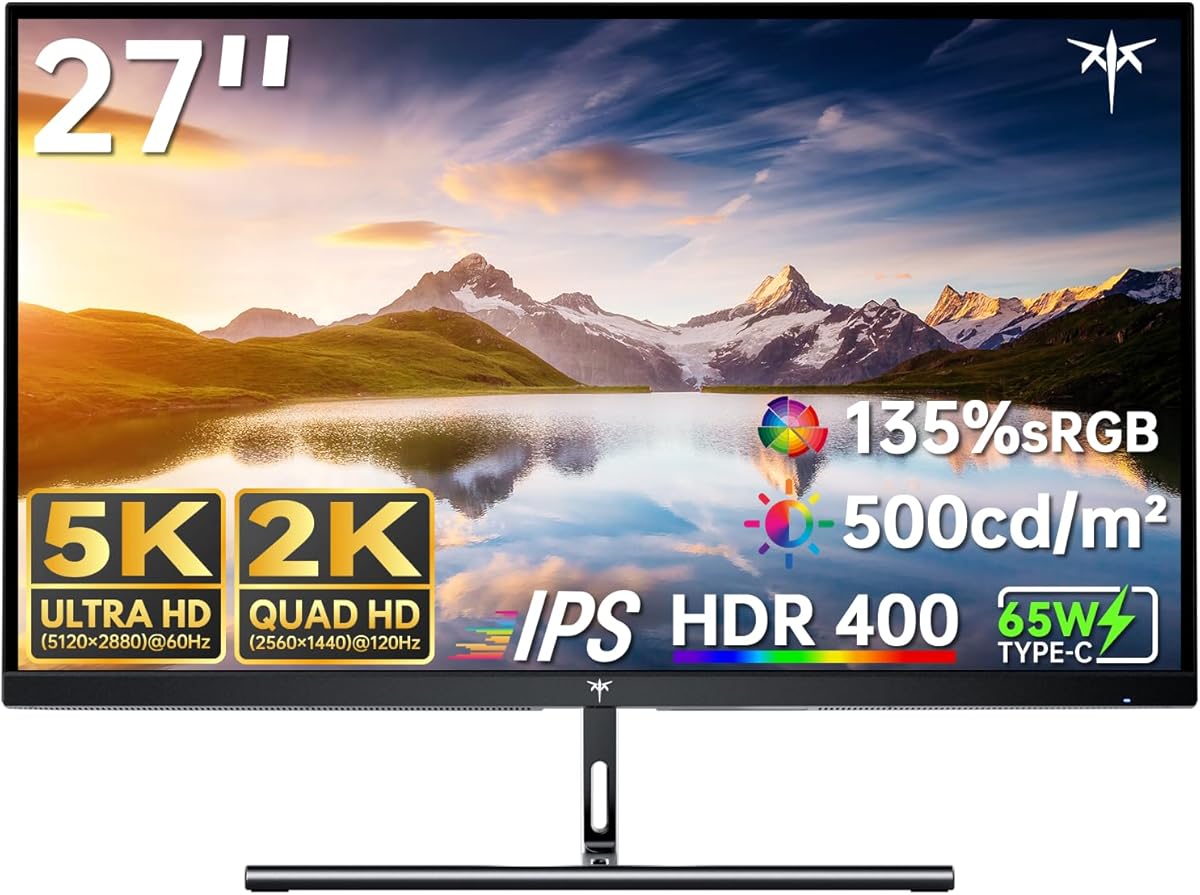
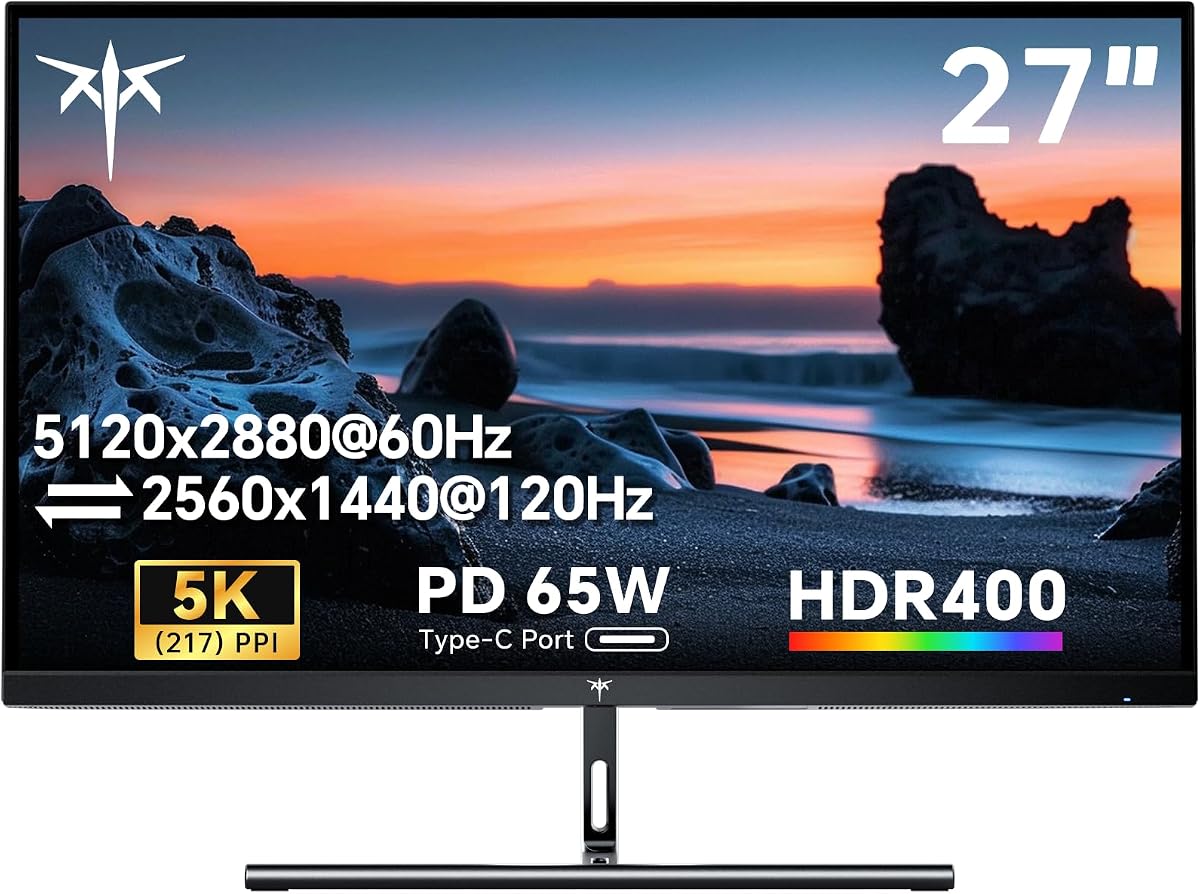
The KTC H27P3 offers premium 5K clarity at a competitive price point for budget-conscious users. It is designed to be Mac mini compatible and delivers ultra-sharp details for work and entertainment.
We may earn a commission when you buy through this link, at no additional cost to you.
Key strengths include the 135% sRGB color gamut area which ensures vibrant content. The Dual Mode feature lets you switch between 5K for detail or 2K for higher refresh rates as needed.
Adaptive Sync technology helps ensure smooth visuals without input lag or ghosting. The trade-off is a simpler feature set compared to high-end models but it covers essential needs well.
Users looking for an affordable entry into 5K displays will appreciate this choice. It balances cost with solid performance and essential eye-care features for long work hours.
Designed with Mac mini compatibility in mind, this monitor integrates smoothly with Apple ecosystems for seamless productivity and visuals.
Switch the mode to suit your needs best with 5K at 60Hz or 2K at 120Hz for varied tasks and gaming.
We may earn a commission when you buy through this link, at no additional cost to you.
This KTC model earns a high rating for its professional color performance and dual-mode functionality. It offers excellent value for creative professionals who need precise colors without breaking the bank.
We may earn a commission when you buy through this link, at no additional cost to you.
Strengths include 99% DCI-P3 and 100% sRGB coverage with Delta E<2 for precise color accuracy. The dual mode allows smooth gaming at 2K speeds or precise work at 5K resolution.
Eye Care technology with Flicker-Free and Hardware Low Blue Light reduces strain during extended use. The trade-off is that HDR is basic compared to premium gaming monitors available.
Budget-conscious creators should consider this monitor for its color fidelity and versatility. It provides the essential tools for design work while remaining accessible for casual gaming.
With 99% DCI-P3 and Delta E<2 this display delivers vivid and accurate colors ideal for design and video editing tasks.
Hardware Low Blue Light and DC Dimming technology ensure you can work or play for hours with reduced eye strain.
We may earn a commission when you buy through this link, at no additional cost to you.
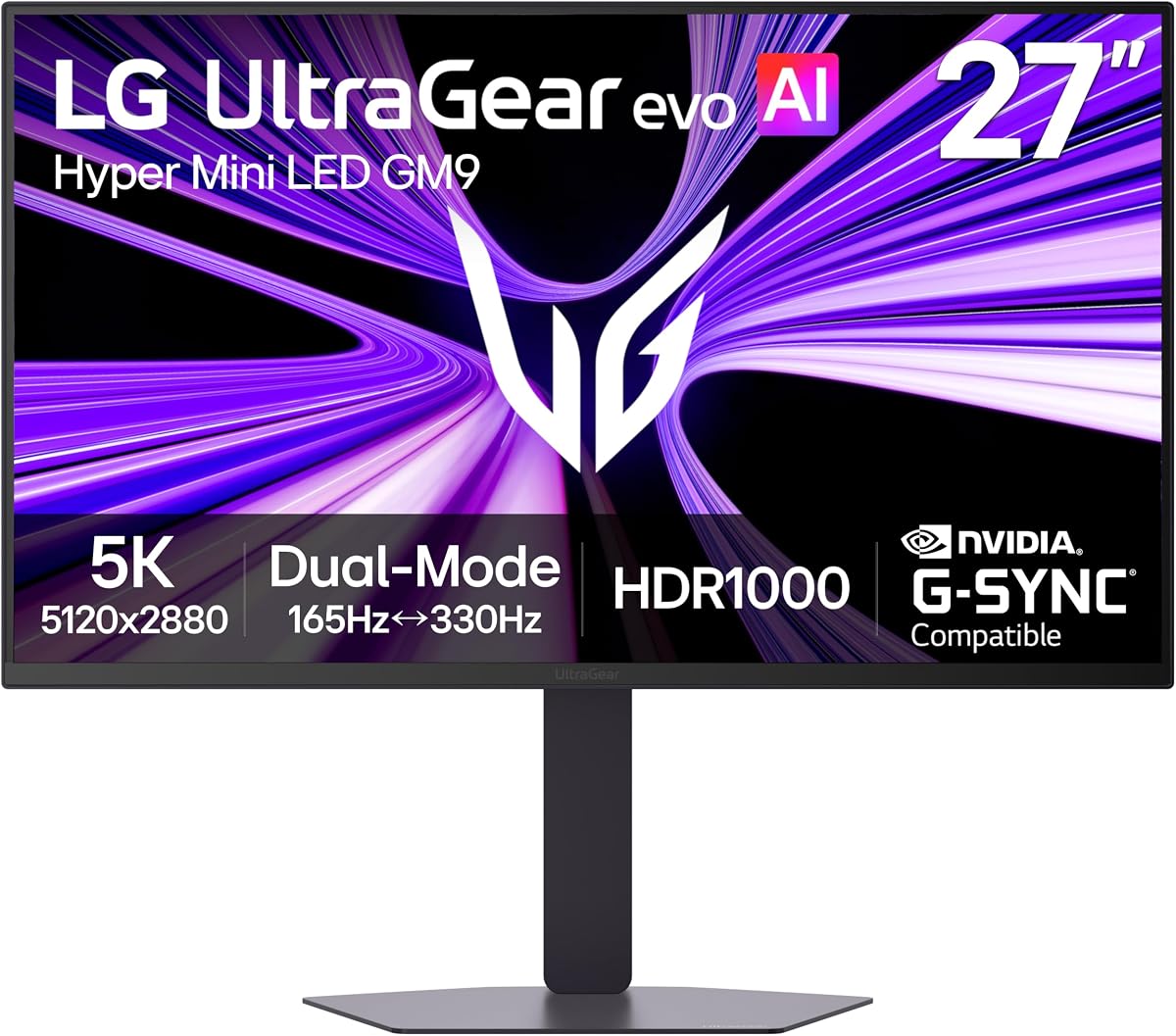
The LG 27GM950B-B stands out with Mini-LED technology delivering bold HDR gaming visuals. It aims to provide incredible detail on a 27-inch 5K display for immersive experiences.
We may earn a commission when you buy through this link, at no additional cost to you.
Key strengths include the 1250 Nits peak brightness meeting VESA DisplayHDR 1000 standards. AI Upscaling enhances content toward 5K resolution without requiring a GPU upgrade for sharper visuals.
Future-ready connectivity like DisplayPort 2.1 ensures you are prepared for high bandwidth needs. The trade-off is a modest user rating that may indicate initial firmware or compatibility quirks.
Gamers seeking top-tier brightness and high refresh rates should evaluate this model. It combines HDR performance with the speed needed for competitive play.
Powered by Hyper Mini LED the display reaches up to 1250 nits peak brightness for explosive highlights and deep contrast.
Built-in processor powers AI Upscaling to enhance content detail and clarity without requiring a GPU upgrade for sharper results.
We may earn a commission when you buy through this link, at no additional cost to you.
The Dell S2725QC offers a smooth experience with 4K visuals and a 120Hz refresh rate. It earns a strong rating for comfortable viewing and vibrant color performance in a sleek design.
We may earn a commission when you buy through this link, at no additional cost to you.
Strengths include ComfortView Plus which reduces harmful blue light emissions without sacrificing color accuracy. Re-engineered sound quality delivers detailed audio with greater output power than previous generations.
Easy connectivity via a single USB-C cable keeps your desk organized and clutter-free effectively. The trade-off is that it is 4K not 5K making it less sharp than premium options.
Professionals seeking a reliable display for daily work should consider this option. It balances visual quality with ergonomic comfort and solid connectivity options.
The improved ComfortView Plus reduces harmful blue light emissions to ensure all-day comfort without sacrificing color accuracy or quality.
Enjoy more detailed sound with spacious audio featuring greater output power and deeper frequency response for a richer experience.
We may earn a commission when you buy through this link, at no additional cost to you.
The LG 27UP850K-W earns a top rating for stunning image quality and versatile connectivity. It reproduces clear images and vibrant colors for a full range of media and gaming needs.
We may earn a commission when you buy through this link, at no additional cost to you.
Key strengths include built-in stereo speakers equipped with Waves MaxxAudio for bigger and bolder sound. The Switch app allows you to navigate features and switch between PC and webOS easily.
Dynamic Action Sync elevates gameplay with reduced input lag for pro-level experiences. The trade-off is that it offers 4K UHD which is less sharp than 5K for text work.
Users wanting a mix of productivity and entertainment will find this monitor compelling. It simplifies setup with strong audio and streaming capabilities built right into the screen.
Stereo speakers equipped with Waves MaxxAudio make games and movies come to life with bigger sound and deeper audio range.
The Switch app transforms your screen into a multitasking hub allowing seamless navigation between PC and built-in webOS streaming.
We may earn a commission when you buy through this link, at no additional cost to you.
The BenQ PD2730S delivers Retina-like 5K resolution ideal for 3D artists and VFX animators. It offers precise color accuracy with deep blacks and vibrant tones suitable for professional storytelling.
We may earn a commission when you buy through this link, at no additional cost to you.
Strengths include seamless Thunderbolt 4 delivery of up to 90W power and high speed transfers. The Eye-Comfort Nano Matte Panel diffuses ambient light to enhance comfort during long design sessions.
Workflow-boosting KVM switch allows control of two systems with one keyboard and mouse wirelessly. The trade-off is a high price point aimed specifically at professional creative workspaces.
Design professionals needing reliable Mac compatible hardware should consider this model. It provides the color fidelity and connectivity required for high-end content creation.
Experience 5120×2880 clarity with 218 PPI delivering ultra-sharp details and smooth gradients for precise design work.
Diffuses ambient light to ensure ideal color-managed workflows without glare for eye comfort during extended design sessions.
We may earn a commission when you buy through this link, at no additional cost to you.
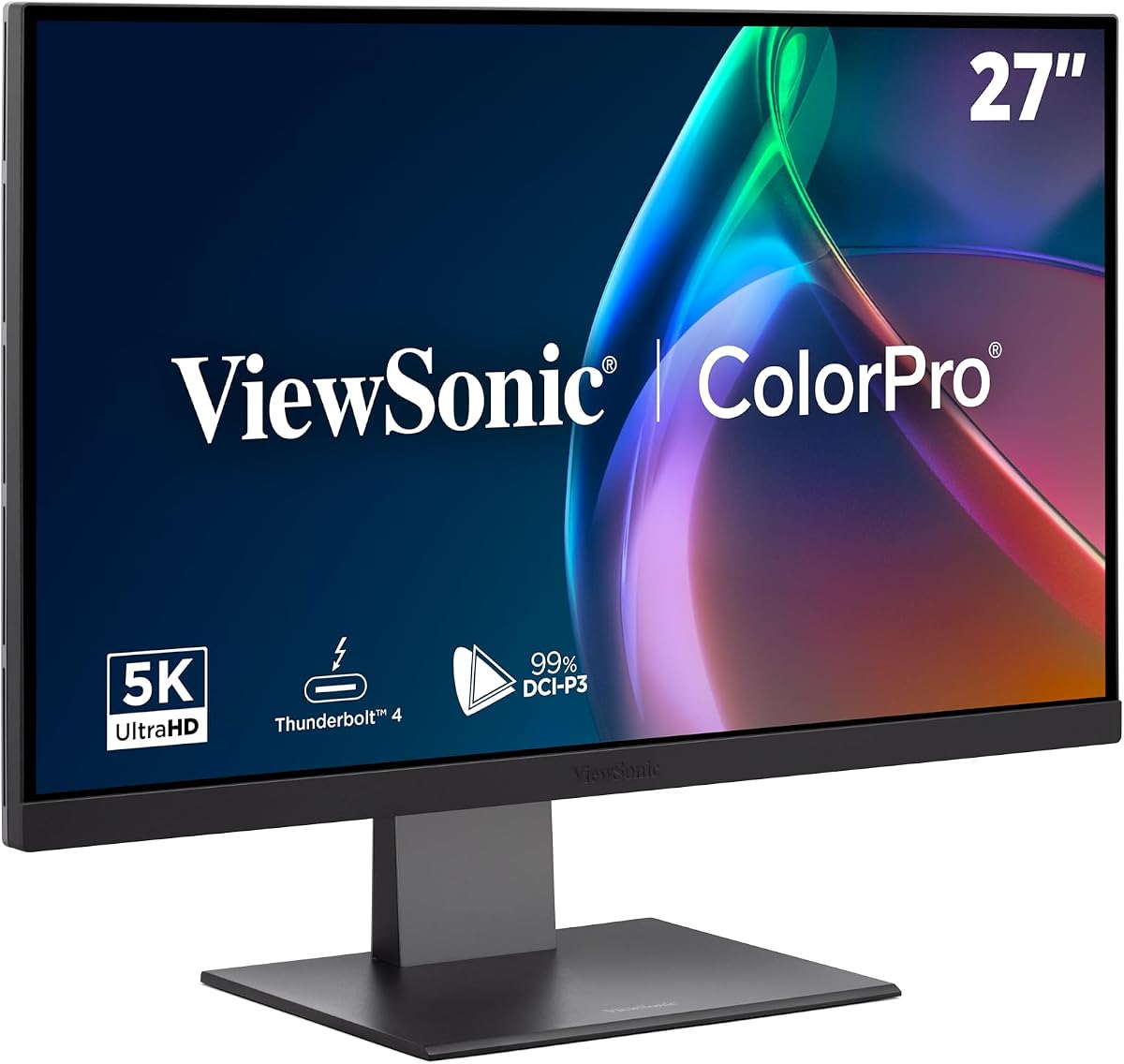
The ViewSonic VP2788-5K offers unmatched clarity for design work with its high resolution. It aligns perfectly with Mac visual standards to ensure deep contrast and color accuracy.
We may earn a commission when you buy through this link, at no additional cost to you.
Key strengths include Pantone Validated display certified for pinpoint color fidelity essential for professional outputs. Thunderbolt 4 allows fast data transfer and high power delivery for seamless setups.
The frameless design allows you to daisy chain up to two 5K monitors for a powerful workstation. The trade-off is a moderate rating that suggests room for improvement in user experience.
Mac designers requiring precise color and expandable setups should look into this display. It provides the tools needed for professional-tier creative outputs and efficient workflows.
Create with confidence using a display certified for pinpoint color fidelity essential for professional-tier creative outputs.
The frameless design allows you to daisy chain up to two 5K monitors for a seamless and powerful multi-display setup.
We may earn a commission when you buy through this link, at no additional cost to you.
Selecting the right display involves understanding how resolution panel type and connectivity impact your daily tasks and visual quality.
A 27-inch 5K display offers 5120 x 2880 pixels which provides roughly 218 pixels per inch for sharp text and images. This density makes it ideal for designers and writers who need to read small details without strain.
Look for pixel density above 200 PPI to ensure text remains crisp and images appear smooth on a 27-inch screen.
Professional workflows rely on accurate color representation often measured by sRGB and DCI-P3 coverage. Monitors with 99% DCI-P3 and Delta E under 2 ensure your work looks consistent across different devices and platforms.
Prioritize panels with verified color accuracy certifications like Pantone Validated or Calman Verified for reliable creative work.
Gamers and video editors need higher refresh rates to see motion smoothly and reduce input lag. Dual mode monitors allow you to switch between 5K for detail and lower resolutions for faster 120Hz or higher refresh rates.
Choose a model with 1ms or lower response time to minimize motion blur during fast paced gaming sessions.
IPS panels offer wide viewing angles and accurate colors suitable for most creative tasks. Mini LED panels provide higher brightness and better contrast for HDR content which is great for media consumption.
Select IPS for general productivity and Mini LED if you need high brightness for HDR gaming or media viewing.
USB-C and Thunderbolt 4 ports simplify your desk by carrying video data and power over a single cable. Look for sufficient wattage delivery like 65W to 90W to charge your laptop while using the monitor.
Ensure the monitor supports DisplayPort or HDMI versions needed for your desired resolution and refresh rate settings.
Adjustable stands that allow height tilt swivel and pivot help you maintain a healthy posture during long sessions. VESA mounting compatibility is also useful if you prefer to use a custom monitor arm.
Opt for a stand with full adjustability to reduce neck strain and improve comfort throughout the workday.
Flicker-free technology and low blue light filters reduce eye fatigue during extended use. These features are essential for professionals who spend hours staring at the screen daily.
Look for TÜV certified eye comfort features to ensure your display meets health and safety standards for eye care.
A strong warranty can protect your investment against defects like dead pixels or backlight issues. Many professional models offer extended warranty options upon registration for longer peace of mind.
Check the warranty terms and customer support responsiveness before purchasing to ensure long term reliability.
To get the best image quality calibrate your monitor using built-in tools or professional software like X-Rite or Calibrite. Adjust brightness and color temperature to match your room lighting for accurate viewing.
Keep the screen clean using a soft microfiber cloth and gentle screen cleaner to remove dust and smudges. Avoid using household cleaners or rough fabrics that could scratch the panel surface.
Adjust the stand height so the top of the screen is at or slightly below eye level. This helps reduce neck strain and keeps your posture aligned during long work sessions.
While a powerful GPU helps with gaming or heavy video editing you can use a 5K monitor for general productivity with many modern laptops. For 5K 60Hz you need sufficient bandwidth often provided by DisplayPort 1.4 or USB-C.
Dual Mode allows you to switch between 5K resolution for detail and lower QHD resolution for higher refresh rates. This helps gamers enjoy sharp images while maintaining the speed needed for competitive gameplay.
Yes many models in this guide are designed to be Mac compatible with USB-C or Thunderbolt 4 connectivity. They support the high resolution and color standards preferred by Apple users.
Most monitors offer between 65W to 90W power delivery which is sufficient for ultrabooks and standard MacBooks. Check the wattage requirements of your laptop to ensure it matches the monitor output.
Nano Matte panels diffuse ambient light to reduce glare and reflections on the screen. This improves visibility and eye comfort especially in bright office environments or near windows.
Daisy chaining allows you to connect multiple displays in a single cable chain from your computer to the first monitor and then to the next. Ensure your monitor and laptop support Thunderbolt 4 or DisplayPort MST for this feature.
We have reviewed ten leading 27 inch 5K monitors ranging from professional creative tools to high performance gaming displays. Each model brings unique strengths in color accuracy connectivity and refresh rates to suit different needs.
When choosing prioritize what matters most to you whether it is color fidelity for design work or high refresh rates for gaming. Look for reliable connectivity options like USB-C to keep your workspace organized and efficient.
Prices and availability change frequently so check current listings before making your final decision. Use this guide to find a display that balances performance and value for your specific workflow.