
BenQ TH671ST
4.4Editor score
Full HD 1080p resolution
Low input lag for gaming
Short throw design
Discover the top Benq projector for golf simulator setups. Our guide compares brightness, resolution, and throw ratio to help you build the perfect indoor golf
Choosing the right projector is crucial for an immersive golf simulator experience. You need bright, clear visuals that withstand ambient light and deliver realistic course details.
We compared ten top-rated models focusing on throw ratio, resolution, and brightness. Our analysis ensures you find a unit that fits your space and performance needs.
Each pick highlights key strengths and trade-offs to guide your decision. Note that availability and pricing can fluctuate, so verify current stock before purchasing.
4.4Editor score
5.0Editor score

5.0Editor score
This side-by-side comparison helps you evaluate key specifications across ten leading projectors. Review resolution, brightness, and throw ratios to select the ideal model for your simulator setup.

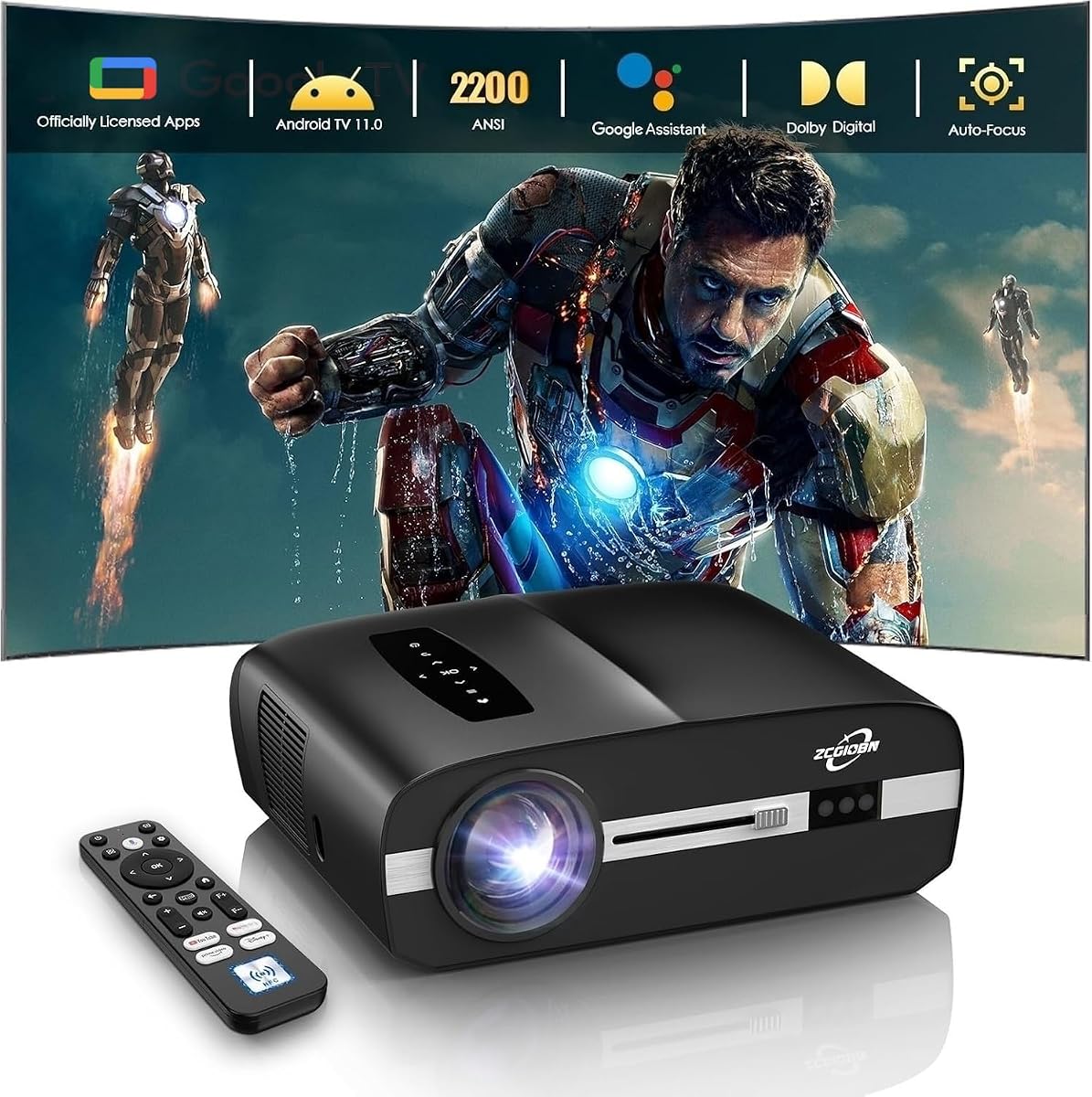


The Optoma GT3900UHD stands out as the top choice for serious golf simulators. It offers true 4K resolution and high brightness ensuring your virtual course looks crisp and realistic.
We may earn a commission when you buy through this link, at no additional cost to you.
With 4000 lumens, it handles well-lit rooms effectively. The short throw design projects large images from a safe distance minimizing shadows cast by players swinging clubs.
While the price is premium, the laser light source offers thirty thousand hours of life. This long-term value justifies the investment for dedicated home golf setups.
Buyers seeking a professional-grade visual experience will find this model unmatched. It balances resolution brightness and throw distance perfectly for immersive training environments.
High resolution reveals grass textures and course details critical for realistic training and accurate swing analysis.
Placing the projector close to the screen prevents shadows while keeping equipment safe from stray balls or club swings.
We may earn a commission when you buy through this link, at no additional cost to you.
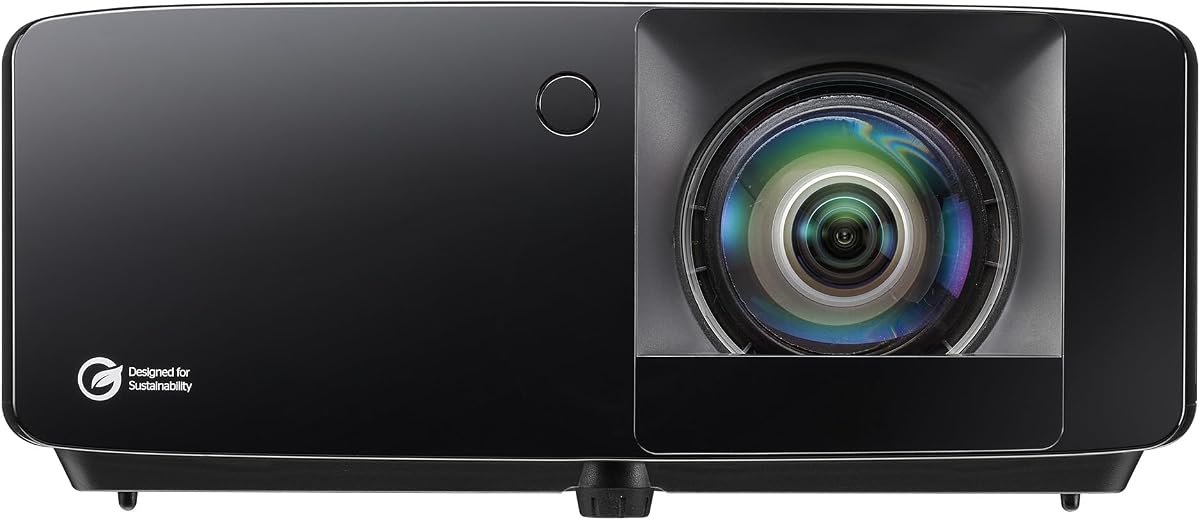
The BenQ TH671ST delivers solid performance for those on a budget. It features full HD resolution and low input lag making it suitable for basic golf simulation needs.
We may earn a commission when you buy through this link, at no additional cost to you.
Its short throw capability allows projecting a hundred inch screen from just five feet. This saves space and reduces shadow interference during gameplay or training sessions.
While it lacks 4K resolution the contrast ratio remains impressive for the price. The lamp has a rated life though replacements may be needed eventually.
Ideal for casual golfers or smaller rooms this model balances cost and function. It provides a reliable entry point into home golf simulation without breaking the bank.
Low input lag ensures responsive visuals which is crucial for fast-paced simulators that track swing speed and ball flight.
The short throw design maximizes room usage allowing players to stand closer to the screen while keeping the projector out of the way.
We may earn a commission when you buy through this link, at no additional cost to you.
The BenQ LK936ST is a powerhouse designed for high-end setups. With native 4K and over five thousand lumens it delivers unparalleled clarity even in bright environments.
We may earn a commission when you buy through this link, at no additional cost to you.
Its short throw ratio combined with lens shift offers immense installation flexibility. You can position the projector precisely to avoid obstacles while maintaining perfect image alignment.
This model shines in commercial or large dedicated golf rooms. The laser source ensures consistent brightness over twenty thousand hours reducing long-term upkeep costs significantly.
For users prioritizing top-tier performance this projector is unmatched. It justifies the premium cost with professional-grade visuals and reliability for demanding simulation applications.
With 5100 lumens you can operate in daylight or bright artificial light without losing image vibrancy or detail.
Vertical and horizontal lens shift allows you to adjust the image without moving the projector physically aiding in tight room layouts.
We may earn a commission when you buy through this link, at no additional cost to you.
The BenQ AH700ST is specifically optimized for golf simulation needs. It includes a dedicated Golf mode that enhances greens and blues for better course visualization.
We may earn a commission when you buy through this link, at no additional cost to you.
With 4000 lumens it ensures vibrant images even when lights are on. The short throw allows a large projection area without requiring deep room depth.
However user ratings suggest mixed experiences compared to other models. Some users may find the interface or features less refined than higher-rated alternatives.
If you need a specific golf preset this model is worth considering. Verify current availability and reviews before purchasing to ensure it meets your specific expectations.
Specialized color calibration improves the visual distinction of fairways and hazards helping players gauge distances accurately.
We may earn a commission when you buy through this link, at no additional cost to you.
This 4K Projector offers a balanced option for budget-conscious buyers. It supports HDR10 and Google TV making it versatile for both gaming and entertainment.
We may earn a commission when you buy through this link, at no additional cost to you.
The sealed optical engine protects against dust which is useful in garages or basements where simulators are often installed. Auto focus simplifies setup significantly.
While its brightness is lower than laser models it suffices for controlled lighting environments. It projects a massive image from a reasonable distance but needs ceiling mounting.
Choose this if you want smart features and 4K resolution at a lower price. Ensure your room lighting is dimmed to maximize visual impact and clarity.
Built-in Google TV allows direct streaming without needing extra devices simplifying your entertainment setup alongside golf simulation.
A sealed engine prevents dust ingress ensuring consistent brightness over time in dusty or unconditioned room environments.
We may earn a commission when you buy through this link, at no additional cost to you.
The BenQ W4100i serves as a strong hybrid for golf and movies. It covers 100% of the DCI-P3 color space ensuring rich and accurate hues on the screen.
We may earn a commission when you buy through this link, at no additional cost to you.
With lens shift and zoom it allows flexible placement options. This helps if you want to mount it centrally without distorting the image geometry.
However it lacks the specific golf modes and short throw of dedicated units. You may need to calculate precise distances to avoid shadows during play.
Consider this if you prioritize color accuracy for movies too. It provides a cinematic experience but might require more room planning for a simulator setup.
Factory calibrated color ensures realistic grass and sky tones which are essential for authentic course simulation.
We may earn a commission when you buy through this link, at no additional cost to you.
The BenQ TH575i offers a high brightness and low lag for responsive visuals. It includes a Google TV dongle so you can stream apps directly without extra boxes.
We may earn a commission when you buy through this link, at no additional cost to you.
The input lag is minimal which helps with timing in sports and golf sims. However it only supports 1080p so details will not be as sharp as 4K models.
User ratings suggest some variability in satisfaction. Check current support and warranty terms to ensure you get the performance expected from the brand.
This fits well for casual setups where budget matters. It provides a quick streaming solution but lacks the precision for high-end competitive golf training.
Included licensed dongle simplifies setup providing immediate access to Netflix and YouTube without additional purchases.
We may earn a commission when you buy through this link, at no additional cost to you.
The ViewSonic LS740W provides exceptional brightness for large spaces. Its golf mode enhances greens and blues making it suitable for residential training centers.
We may earn a commission when you buy through this link, at no additional cost to you.
With 5500 lumens you can ignore ambient light completely. The laser source ensures reliable performance over years of use without frequent lamp changes.
The resolution is WXGA which is lower than modern 4K options. While adequate for many setups it may lack fine detail for high-end course graphics.
Buy this if you need extreme brightness in a large room. It offers professional durability though the resolution trade-off might affect visual sharpness.
This preset boosts specific colors to match grass tones helping distinguish between rough and fairway areas effectively.
We may earn a commission when you buy through this link, at no additional cost to you.
The BenQ LU935ST delivers stunning contrast and brightness for clear visuals. WUXGA resolution provides sharp text and images ideal for detailed graphics in golf software.
We may earn a commission when you buy through this link, at no additional cost to you.
It features a short throw ratio to fit compact spaces. The high contrast ensures deep blacks and vivid colors enhancing the realism of simulated environments.
This unit is best suited for professional environments requiring reliability. The price is high but reflects its superior build quality and performance standards.
Choose it for dedicated studios where image quality is paramount. It offers a reliable solution for consistent high brightness projection in varied settings.
High contrast ratio improves depth perception critical for visualizing terrain changes on virtual golf courses.
We may earn a commission when you buy through this link, at no additional cost to you.
The GoSports Cover protects your projector from mishits without ceiling mounting. It is designed for floor setups using durable HDPE materials and a polycarbonate panel.
We may earn a commission when you buy through this link, at no additional cost to you.
It blends with turf to maintain a natural look. The side vents ensure airflow to prevent overheating during long simulation sessions.
This accessory is vital for floor-mounted setups to avoid costly repairs. Ensure your projector dimensions fit the interior to maintain proper ventilation.
Buy this alongside your projector for peace of mind. It offers a simple effective way to safeguard equipment from accidental damage during play.
A cover like this prevents stray balls from damaging lenses while keeping the room looking neat and professional.
We may earn a commission when you buy through this link, at no additional cost to you.
Selecting the ideal projector for your golf simulator involves balancing resolution brightness and throw distance. Understanding these factors ensures you get the best visual experience.
Resolution defines image sharpness and detail clarity. For golf simulators 4K UHD offers the crispest visuals for course textures and ball flight tracking.
Opt for at least 1080p but consider 4K if budget allows for superior clarity.
Brightness measured in lumens determines visibility in lit rooms. Higher lumens ensure clear images even when lights are on or in daytime conditions.
Aim for 3000 lumens or more to handle ambient light effectively.
Throw ratio dictates how close the projector sits to the screen. Short throw models project large images from a distance preventing shadows from players.
Choose a short throw ratio to keep equipment safe and optimize room space.
Low input lag ensures responsive visuals crucial for real-time simulation. High lag can cause delays between swing action and screen reaction.
Look for gaming modes or low lag specifications below 20ms for smooth performance.
Laser light sources offer longer life and consistent brightness than lamps. They reduce maintenance costs and provide instant on-off functionality.
Prioritize laser models for long-term reliability and lower upkeep costs.
Multiple HDMI ports and USB options allow easy device connection. Ensure the projector supports your PC or simulator system interfaces.
Check for HDMI 2.0 or 2.1 for high bandwidth video transmission.
Lens shift allows image adjustment without moving the projector. This helps align the screen perfectly even if the projector is off-center.
Vertical and horizontal shift adds flexibility for complex room layouts.
Accurate color reproduction ensures realistic grass and sky tones. Rec 709 or DCI-P3 coverage helps create immersive visual environments.
Select models with high color gamut for authentic course representation.
Place the projector at the correct distance according to its throw ratio. Ensure it is stable and aligned squarely with your screen for undistorted images.
Connect your simulator computer via HDMI and calibrate the image settings. Adjust brightness and contrast to match your room lighting for optimal visibility.
Regularly clean the vents and lens to prevent dust buildup. Avoid touching the lens directly and use a soft cloth to maintain optical clarity.
While 1080p works for basic setups 4K UHD is superior for detailed course visuals. Higher resolution allows better identification of course textures and ball tracking data.
Aim for at least 3000 lumens for daytime operation. Higher brightness ensures the image remains vivid even when natural light enters the room.
Short throw projectors are highly recommended. They project large images from a short distance reducing shadow interference during your swing.
Most projectors work with any PC-based simulator via HDMI. Ensure your computer has a compatible output port for video transmission.
Laser projectors often last 20000 hours or more. Traditional lamps may need replacement every 3000 to 5000 hours depending on usage.
Low input lag ensures your swing action is reflected instantly on screen. High lag can disrupt timing and realism in simulation software.
Selecting the right projector transforms your home space into a realistic golf environment. The Optoma GT3900UHD and BenQ LK936ST lead for those seeking top performance.
Prioritize brightness and throw ratio to ensure safe and clear viewing. Budget options like the BenQ TH671ST still offer solid features for casual play.
Always verify current availability and specs before finalizing your purchase. Investing in the right hardware ensures years of immersive training and entertainment.