
Keyboard Case for Amazon Fire Max 11 inch
4.5Editor score
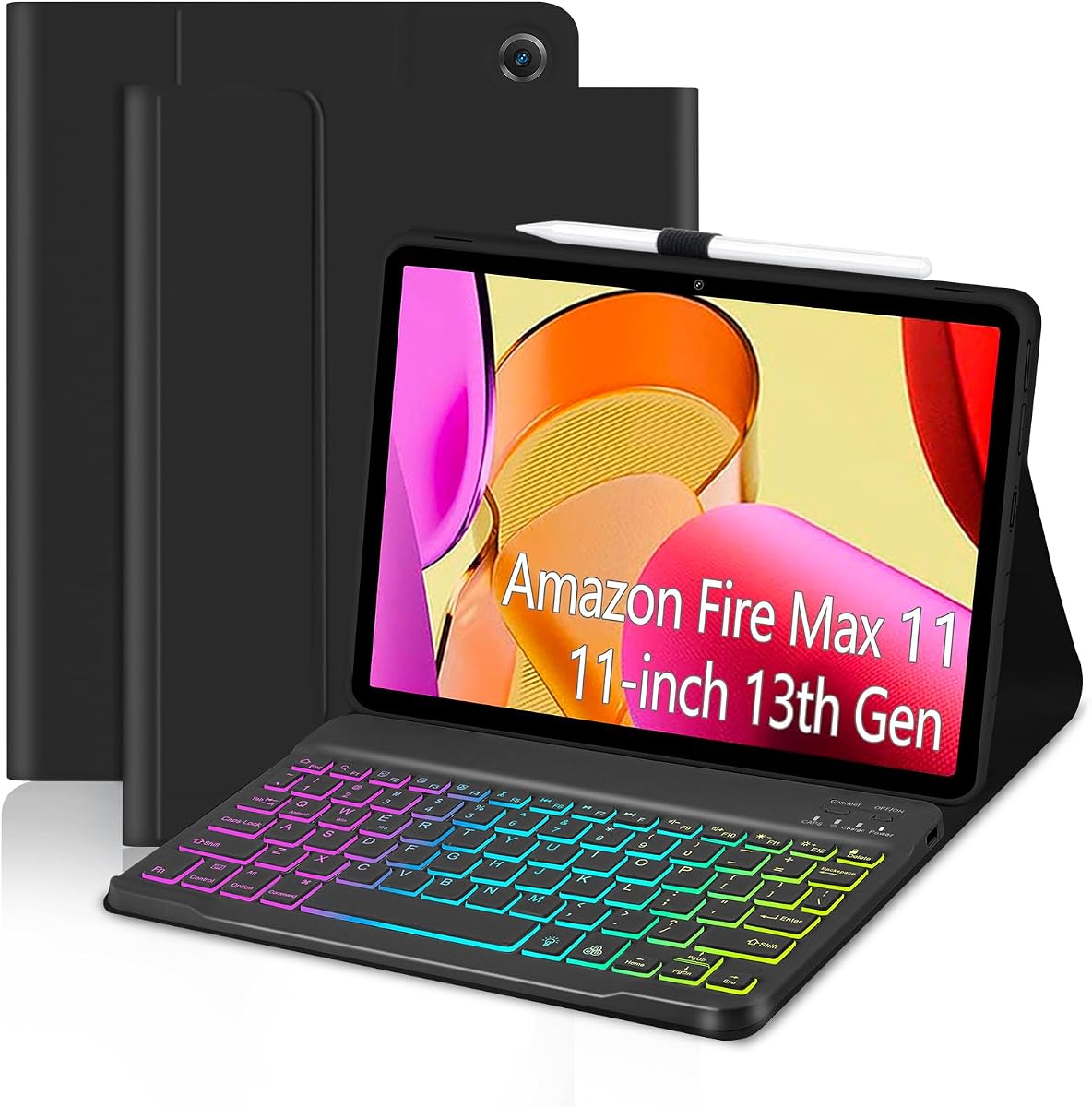
7 color backlit keyboard
Long 90 hour battery
Detachable magnetic design
Discover the top 10 keyboard cases for the Amazon Fire Max 11 tablet. We compare features, compatibility, and value to help you find the perfect accessory for
Finding the right keyboard case for your Fire Max 11 can transform your tablet into a powerful productivity tool. These accessories combine protection with typing functionality, making them essential for work and study on the go.
We evaluated ten top-rated options based on build quality, typing experience, and additional features like touchpads or backlit keys. Our analysis ensures you get a reliable solution that fits your specific needs and usage scenarios.
Each pick highlights unique strengths and potential drawbacks to help you make an informed decision. Please note that product availability and pricing can change frequently, so verify details before purchasing to ensure you get the best deal.
4.5Editor score

4.6Editor score
4.6Editor score
This side by side comparison highlights the key specifications of all ten models to help you quickly identify the best fit for your Fire Max 11 tablet usage.




This official Amazon keyboard case stands out as the top choice for users seeking a seamless laptop like experience. With a rating of 4.6 stars it consistently impresses buyers with its integrated trackpad and power efficient design.
We may earn a commission when you buy through this link, at no additional cost to you.
The pogo pin connection eliminates the need for separate keyboard charging which is a significant convenience factor. The trackpad supports gestures like pinch to zoom and two finger scrolling making navigation intuitive and fast.
While it costs more than third party alternatives the build quality and feature set justify the investment. You get a reliable typing experience with shortcut keys and a trackpad that works smoothly with Fire OS apps.
If you plan to use your Fire Max 11 for serious work or daily productivity this is the model to choose. It transforms your tablet into a versatile workstation without the hassle of pairing or charging external peripherals.
The pogo pin connection draws power directly from the tablet so the keyboard never needs its own battery or charging cable.
Built in trackpad with gestures replaces a mouse making it ideal for browsing and document navigation on the go.
We may earn a commission when you buy through this link, at no additional cost to you.
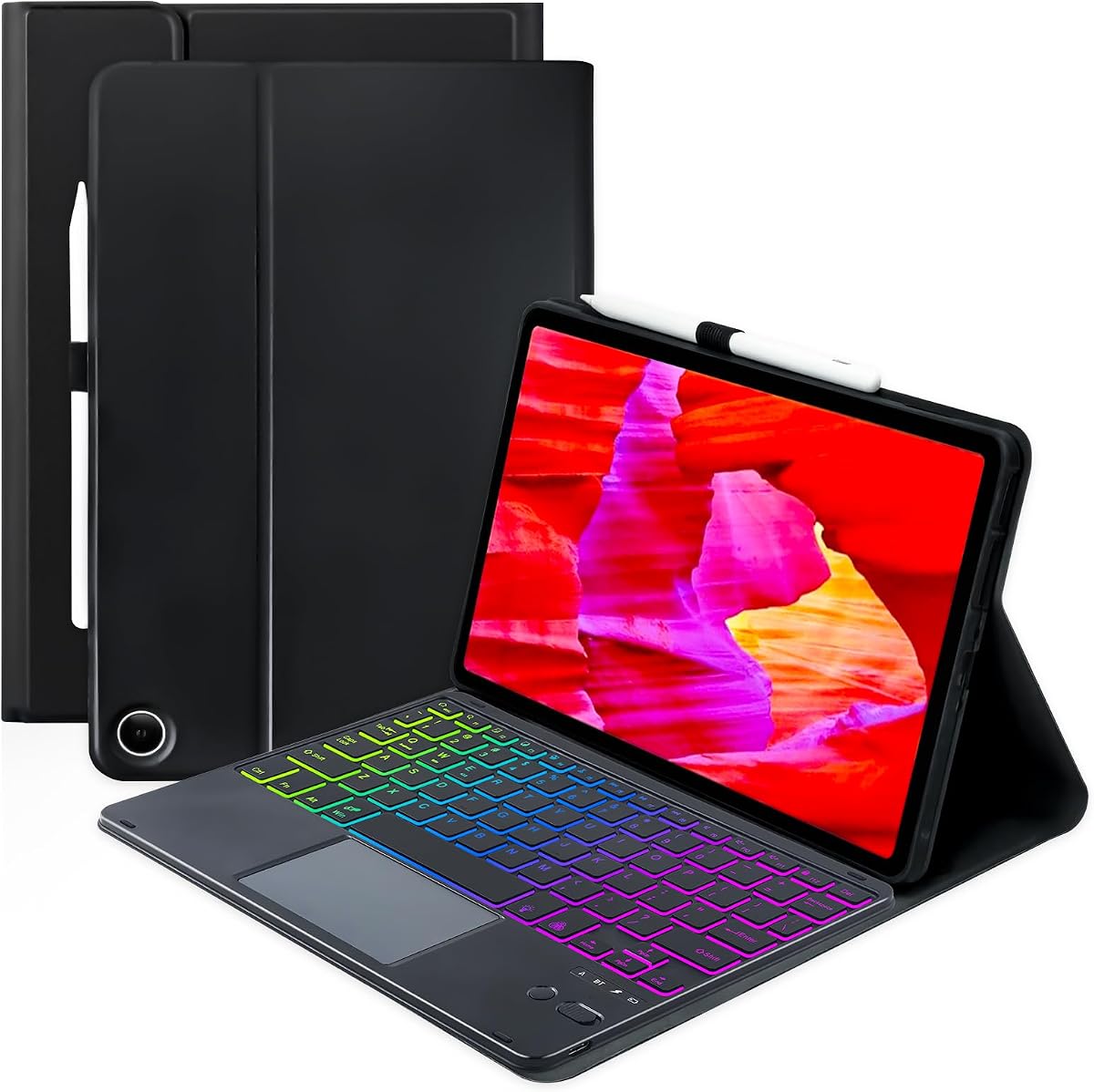
This option offers a distinct advantage by including a built in touchpad which is rare in third party cases. With a solid rating it appeals to users who want mouse like precision without carrying extra accessories.
We may earn a commission when you buy through this link, at no additional cost to you.
The rechargeable lithium battery ensures the keyboard stays powered without needing constant external charging. The touchpad supports multi-finger gestures which enhances navigation speed and efficiency when browsing web pages or documents.
However you will need to manage battery charging for the keyboard separately unlike some pogo pin models. The rainbow backlight adds a stylish touch but may not be necessary for all users in bright environments.
Ideal for users who want a compact all in one solution with mouse functionality this case delivers good value. Just ensure you charge the keyboard regularly to maintain full functionality during long work sessions.
Multi-finger gesture support on the touchpad makes scrolling and zooming much easier than using on screen controls.
Built-in lithium battery eliminates the need for disposable batteries ensuring long term convenience and cost savings.
We may earn a commission when you buy through this link, at no additional cost to you.
For budget conscious buyers this case delivers excellent value without sacrificing core functionality. With a 4.5 rating it proves you can get a reliable typing experience and backlight features at a very accessible price point.
We may earn a commission when you buy through this link, at no additional cost to you.
The 7 color backlight adds visual appeal and helps in low light situations. The large 420mAh battery supports up to 90 hours of use which means less frequent charging and more uninterrupted productivity.
It lacks a touchpad so you will rely on on screen navigation or a separate mouse. However the magnetic attachment and pen holder make it a practical choice for casual work and media consumption.
This is the perfect pick if you want essential features without paying a premium. It balances cost and performance well making it a strong contender for students and casual users.
The 420mAh battery supports up to 90 hours of continuous use reducing the need for frequent recharging.
7 color rainbow backlight allows you to choose your preferred lighting style and visibility for any environment.
We may earn a commission when you buy through this link, at no additional cost to you.
This model is the official accessory from Amazon designed specifically for the Fire Max 11 generation. Its 4.6 rating reflects high user satisfaction with the fit and finish and reliable performance over time.
We may earn a commission when you buy through this link, at no additional cost to you.
You get a responsive trackpad with gesture support right out of the box. The pogo pin connection ensures the keyboard never runs out of battery which simplifies your daily setup and workflow.
The case uses recycled materials aligning with sustainability goals which is a nice bonus. Additionally the included Microsoft 365 trial adds extra value for productivity users who need editing tools.
If you prefer official accessories that promise perfect compatibility and premium features this is the top choice. It may cost more but the reliability and included benefits often justify the higher price tag.
Made with post-consumer recycled plastics and 100% recyclable packaging supporting environmental responsibility.
Includes a three-month trial of Microsoft 365 Personal enabling advanced document editing and cloud integration.
We may earn a commission when you buy through this link, at no additional cost to you.
This case stands out by including a wireless Bluetooth mouse alongside the keyboard which is rare in most bundles. With a 4.4 rating it offers a complete portable laptop solution right out of the box.
We may earn a commission when you buy through this link, at no additional cost to you.
The 3 zone rainbow backlight provides customizable lighting options for typing in different environments. The magnetic keyboard and included mouse let you work efficiently without needing to buy separate peripherals.
The honeycomb inner layer helps dissipate heat protecting your tablet from overheating during heavy use. However the extra mouse means more devices to charge which adds a small layer of complexity to your routine.
If you want a full workstation package with minimal extra purchases this model is ideal. It provides great functionality and protection for users who need navigation tools and visual flair.
Includes both keyboard and mouse providing a full workstation experience without needing additional purchases.
Honeycomb inner layer helps dissipate heat to protect your tablet from overheating during heavy use.
We may earn a commission when you buy through this link, at no additional cost to you.
This option provides a comprehensive solution with both a keyboard and a wireless mouse included. With a 4.3 rating it appeals to users looking for an all-in-one laptop replacement package for their Fire Max 11.
We may earn a commission when you buy through this link, at no additional cost to you.
The case offers full edge coverage and a honeycomb design that increases device lifespan by improving heat dissipation. The magnetic keyboard attaches securely and can be adjusted to your preferred position easily.
One trade-off is that both the keyboard and mouse need separate charging which can be slightly inconvenient. However the convenience of having everything you need in one box makes it a worthwhile option.
For those who want a full typing and navigation setup without extra shopping this case delivers. It balances protection and functionality well for daily work and productivity tasks.
Full 360-degree protection against scratches and dents keeps your tablet safe from daily damage and drops.
Includes a rechargeable Bluetooth mouse for full navigation without needing extra accessories.
We may earn a commission when you buy through this link, at no additional cost to you.
This case focuses on practicality with a standard Type-C charging port for quick keyboard recharges. With a 4.4 rating it is known for its durability and precise fit for the Fire Max 11 tablet.
We may earn a commission when you buy through this link, at no additional cost to you.
The strong magnetic adsorption ensures the keyboard stays firmly attached during use. Three anti-slip grooves allow you to adjust the angle to suit different tasks like reading typing or drawing.
While it lacks a touchpad the large battery life supports up to 50 hours of continuous use. The 360-degree protection and pen holder add extra value for daily protection and convenience.
If you need a reliable and durable case with fast charging support this is a great choice. It offers solid protection and functional design for users prioritizing efficiency and longevity.
Standard Type-C charging port allows quick 2-3 hour recharges to keep your keyboard powered during long sessions.
Three anti-slip grooves allow you to adjust the angle for optimal viewing and typing comfort.
We may earn a commission when you buy through this link, at no additional cost to you.
This model offers a stylish blue and black design with a vibrant 7-color backlight for visual appeal. Although it has a lower 3.7 rating it may suit users looking for a unique aesthetic at a reasonable price.
We may earn a commission when you buy through this link, at no additional cost to you.
The soft TPU inner shell and honeycomb design help protect the tablet and dissipate heat. The case includes a pen holder and precise cutouts to ensure full access to tablet ports and functions.
The rainbow backlight can be turned off to save power when not needed. However the lower rating suggests some users may experience issues with durability or connection stability.
If you prioritize design and customization this case is worth considering for casual use. Just be aware of potential limitations compared to higher rated alternatives for heavy daily work.
Unique blue and black color scheme with bright rainbow backlight makes this case stand out aesthetically.
Precise hole positions ensure full access to all tablet functions and protect ports from dust and debris.
We may earn a commission when you buy through this link, at no additional cost to you.
This case features a premium vegan leather exterior that looks and feels luxurious compared to standard plastic cases. With a 4.5 rating it combines style with practical features like auto sleep and wake for better battery management.
We may earn a commission when you buy through this link, at no additional cost to you.
You can use the case in four versatile modes to switch between typing watching videos and reading. The detachable keyboard allows flexibility so you can use the tablet as a standalone device for media.
The battery supports up to 70 hours of use which is generous for daily tasks. Precise cutouts ensure full access to ports and sensors so nothing is blocked during use.
If you want a stylish and functional case that offers multiple viewing modes this is a great pick. It balances aesthetic quality with solid performance for media and light work.
High quality vegan leather exterior gives a luxury look and feel while protecting the tablet from scratches.
Four versatile use modes allow you to switch easily between typing watching videos and reading.
We may earn a commission when you buy through this link, at no additional cost to you.
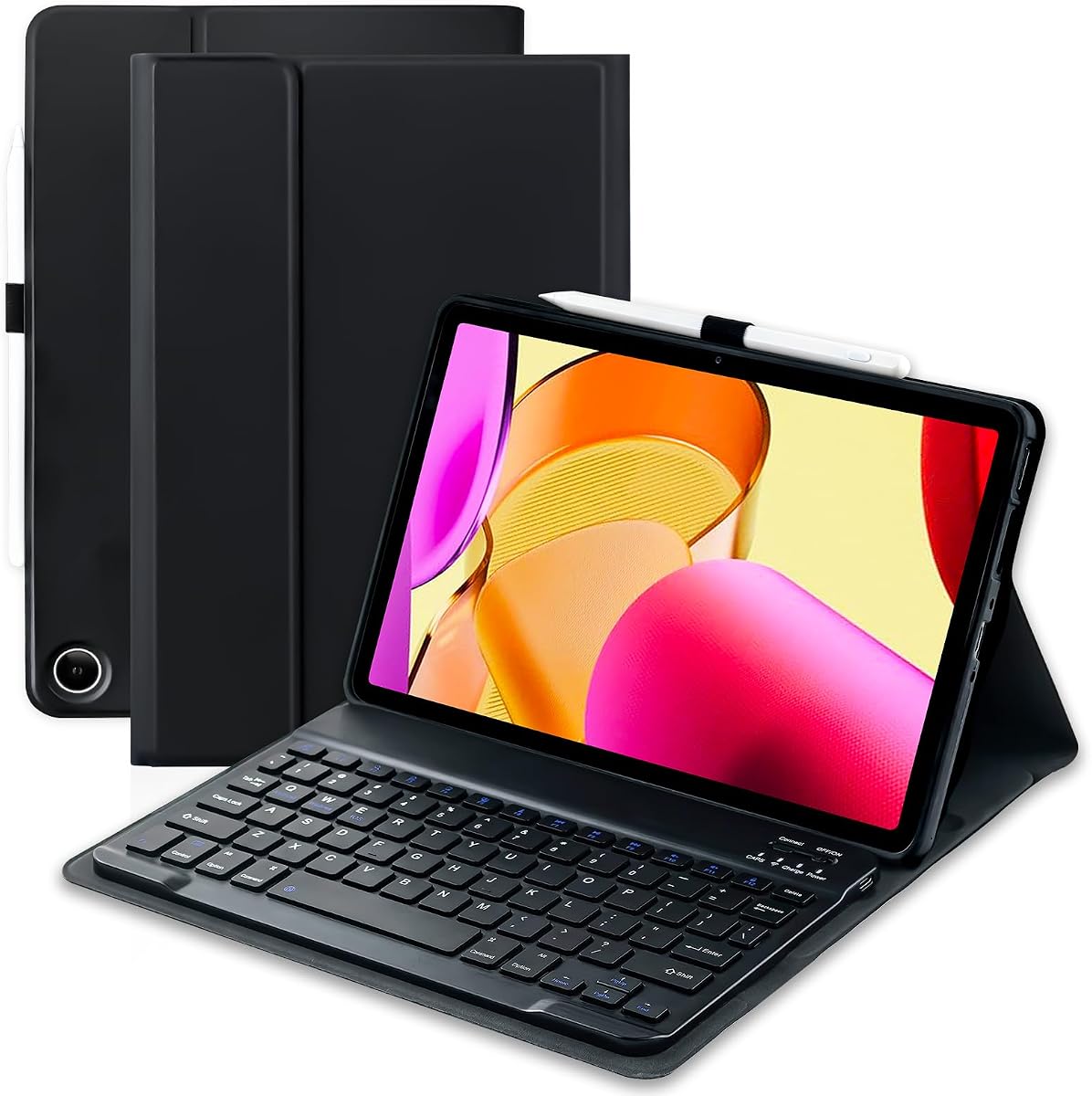
This model offers a classic rainbow backlit design with 7 adjustable colors to suit your preference. With a 4.5 rating it provides a solid typing experience with rich shortcut keys for efficient document editing and browsing.
We may earn a commission when you buy through this link, at no additional cost to you.
The honeycomb inner shell helps with heat dissipation to improve tablet performance during long sessions. The PU leather case provides strong 360-degree protection against scratches and accidental drops.
The pen holder keeps your stylus secure and easy to access whenever needed. While it lacks a touchpad the keyboard layout and backlight make it ideal for typing focused tasks.
If you want a reliable and visually appealing case with good protection this is a safe choice. It delivers on the basics with style and practical features for everyday use.
Rich shortcut keys allow you to use the tablet more efficiently and comfortably for documents and presentations.
Honeycomb inner shell aids heat dissipation improving tablet performance during long usage sessions.
We may earn a commission when you buy through this link, at no additional cost to you.
Choosing the right case depends on your usage needs and priorities. Consider these key factors to find a model that balances functionality protection and value.
Always verify that the case is designed specifically for the Fire Max 11 13th Generation 2023 model. Using a case meant for older or different tablets can lead to poor fit or damage.
Check the product title and description carefully to confirm it lists the correct generation and release year before purchasing.
Some cases use pogo pins to draw power from the tablet meaning the keyboard never needs charging. Others use Bluetooth and need separate charging which adds a step to your routine.
Choose pogo pin models if you want zero maintenance and Bluetooth if you prefer wireless flexibility.
Cases with built-in touchpads make navigation faster and more precise than using the touchscreen alone. This is especially useful for browsing and document editing.
If you plan to do heavy work a touchpad can significantly boost your productivity compared to basic keyboard cases.
Look for materials like PU leather and TPU inner shells that provide 360-degree protection. Honeycomb designs inside the case help with heat dissipation and prolong your tablet's life.
High quality materials ensure the case withstands drops and scratches while keeping your device cool during use.
Backlit keys are helpful if you work in low light or at night. Some models offer multiple colors and brightness settings for customization.
If you rarely work in the dark a simple non-lit keyboard might save you money without sacrificing comfort.
Magnetic detachable keyboards let you use the tablet as a standalone screen for reading or watching videos. This flexibility makes the case more versatile.
Ensure the magnets are strong enough to hold the keyboard securely during typing to avoid accidental shifts.
Check the rated battery hours for Bluetooth keyboards to ensure they last through your typical work sessions. Longer battery life reduces how often you need to charge the device.
Models with USB-C charging offer faster and more convenient recharging compared to older micro USB ports.
Official Amazon cases cost more but often include features like trackpads and pogo pins that third-party models may lack. Third-party options often include extras like mice or stylus holders for less.
Decide if you need advanced features or if a basic keyboard with good protection is enough for your needs.
Start by ensuring your Fire Max 11 model matches the case compatibility. Align the tablet with the case grooves and let it slide in gently so ports line up with the cutouts.
For magnetic keyboards press the keyboard firmly against the case so it attaches securely. If your case has a trackpad enable it in the settings and test gestures like scrolling and zooming.
To extend the life of your case wipe it with a soft dry cloth to remove dust. Keep the keyboard charged if it is a Bluetooth model to avoid unexpected shutdowns during use.
No most older cases are not compatible with the Fire Max 11 dimensions and port locations. Always verify the case lists the 13th Generation or 2023 release specifically before purchasing.
It depends on the model. Pogo pin cases draw power from the tablet so no charging is needed. Bluetooth models have internal batteries and need separate charging via a cable.
Yes most cases have detachable magnetic keyboards. You can remove the keyboard and use the case as a protective cover with a stand for media or reading.
Use a soft dry cloth to gently wipe the keys. Avoid water or harsh chemicals since moisture can damage the electronics inside the keyboard.
Most rechargeable keyboards have built-in non-replaceable batteries. If the battery fails you may need to contact the seller for a replacement or warranty service.
Many cases include a dedicated pen holder to store your stylus. However the stylus itself is usually sold separately unless noted in the product description.
Most cases have an auto sleep wake function. Closing the lid puts the tablet to sleep to save battery while opening it wakes the screen automatically.
Some third-party sellers offer limited warranties such as 12-month coverage. Check the product details or seller policy for warranty terms before purchasing.
We reviewed ten top keyboard cases to help you find the perfect accessory for your Fire Max 11. The Amazon official cases stand out for features like trackpads and pogo pin power.
If you need budget-friendly options models with rainbow backlights and long battery life offer great value. Consider your priorities like protection typing comfort and extra features like touchpads.
Remember to verify current availability and pricing before buying since deals and stock change often. Choose the case that best fits your daily workflow to make the most of your tablet.